9
STEPS FOR SETUP
Step 1: Download and Install the App
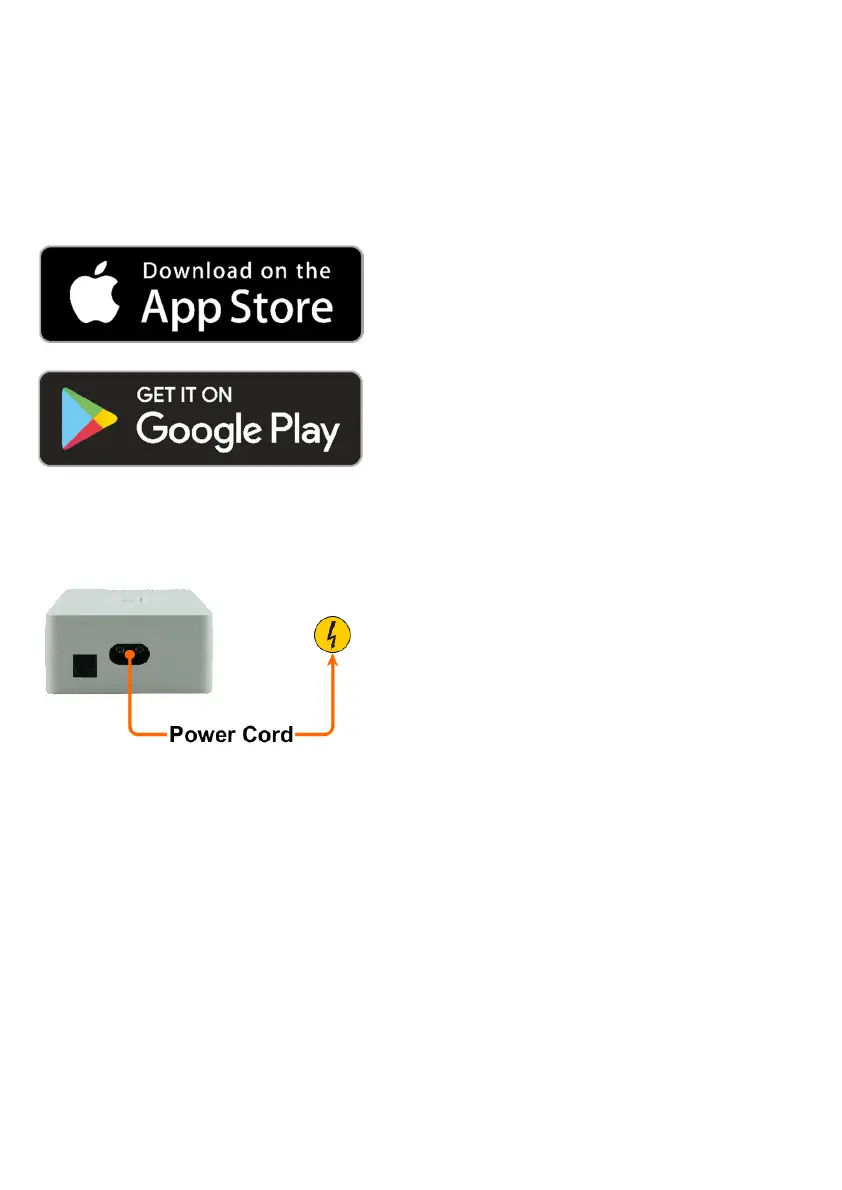
Download the free ALMANDO CONTROL app
from the Apple App Store and install it on your
iPhone or iPad.
Download the free ALMANDO CONTROL app
from the Google Play Store and install it on
your Android smartphone or tablet.
Step 2: Connecting the Multiplay / Powerlink- Switch to the Power Grid
Now connect the almando Multiplay Stereo /
Powerlink-Switch to the mains.
Speakers and auxiliary devices may not be
connected until later.


 To Next Page