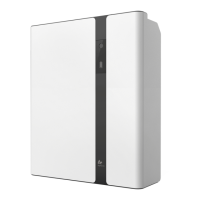
Please read through this manual carefully before operation
★ In unlikely event of smoke or fire, turn off main switch immediately and contact your
installer for further instructions.
★ Battery should be installed indoor and kept away from water, high temperature,
mechanical force and flames.
★ Do not disassemble, move or modify any parts of the system without authorization
and instruction from AlphaESS.
★ Do not install the battery in any environment of temperature below -10°Cor over
50°C, and humidity over 80%.
★ Do not touch the system with wet hands.
★ Do not put any heavy objects on the top of the battery.
- 02 -
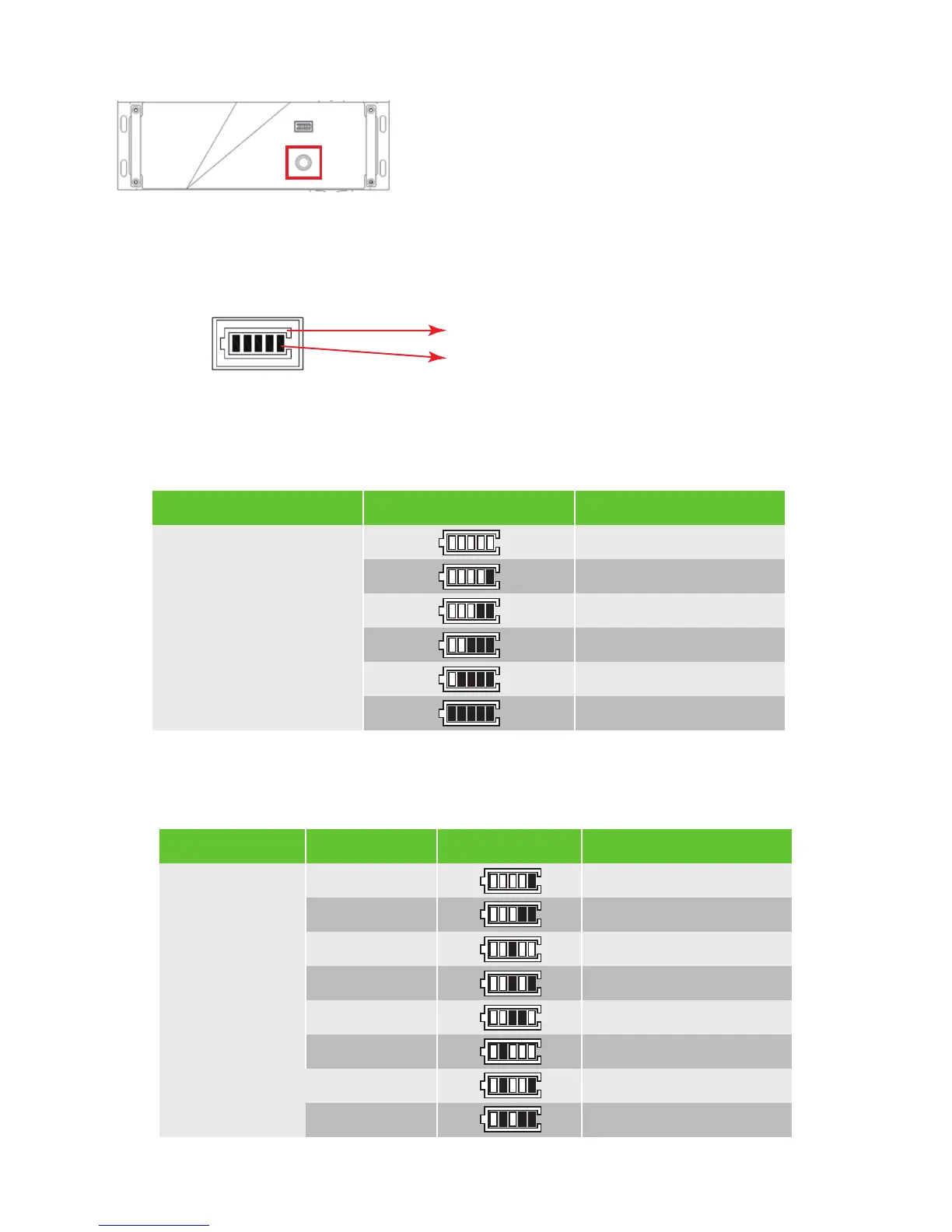
In normal condition, LED display indicates the SOC as the figure below:
LED Display
LED ring
SOC State of charge
Switch
Switch on Pressing the power button for about
2-4 seconds. The BMS will start up. The LCD
display and power button will light up as well.
Switch off Pressing the power button for >5
seconds. Turns off battery modules.
System shall be turned on in the correct sequence to avoid any damage.
Note: When the battery is working pressing the power button for <5 seconds, LCD display will
light up for 30 seconds.
SOCLED Ring Description
SOC<5%
5%=<SOC<25%
25%=<SOC<50%
50%=<SOC<75%
75%=<SOC<95%
SOC>95%
Standby: Green
light flickering 1 s
Work: Green light
flickering 10s
LED DisplayProtection CodeLED Ring Description
Temperature difference
High temperature
Low-temperature discharge
Over-current charge
Over-current discharge
Cell overvoltage
Cell under voltage
Low-temperature charge
1
3
4
5
6
8
9
11
Green light
flickering
every 3
seconds.



 To Next Page