745-363-C0-001 Rev. B
6
2.1 Screen Installation Procedure
1. If required, follow manufacturer’s instructions for powering down
the power supply, and disconnecting the battery pack to gain
access to louvers.
2. This manual contains detailed drawings of louver screen placement
for various enclosures. Refer to the drawing that matches your
enclosure to install the replacement screen.
NOTE: Be sure to follow manufacturer’s precautions and directions for use
when using solvents. Work in a well-ventilated area.
3. Remove old bug screen using alchohol or solvent and putty knife.
Area MUST be clean and dry prior to installation of new screen.
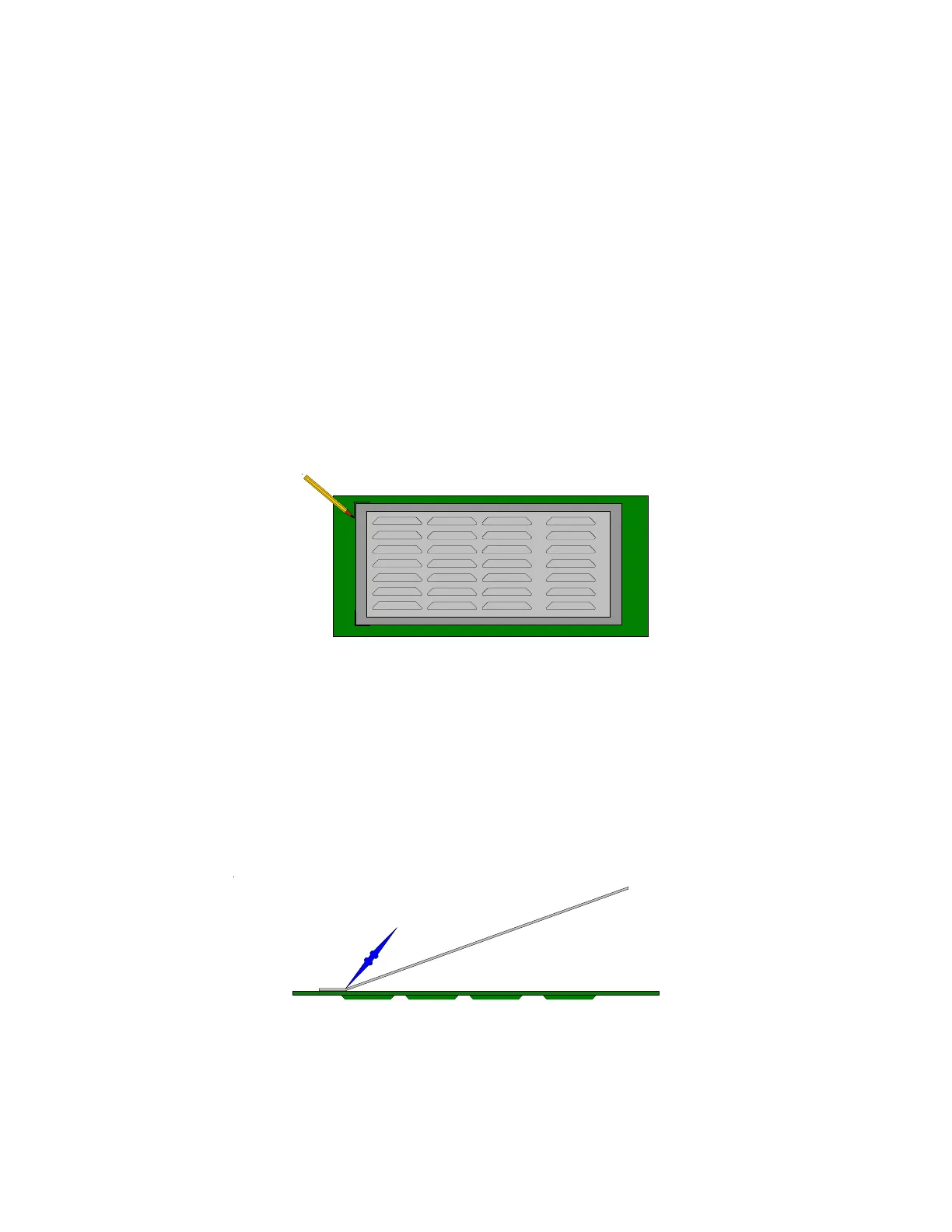
4. Mark exact location for new screen prior to the next step.
NOTE: Once you apply the tape you cannot reposition it due to
pressure-sensitive adhesive on the tape.
2. Installation
5. Remove protective cover on two-sided tape. If ambient
temperature is below 40°F (4.5°C)., use heat gun or hair dryer to
gently warm adhesive to increase bond strength.
6. Center screen over louver on the marks from step 4, and press
firmly on one side while holding screen at approximately 30° angle
from the enclosure surface.
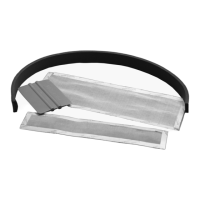
7. With squeegee-spreader, apply even pressure from left to right to
top edge of the screen as you lower screen to enclosure surface.
This removes trapped air bubbles as adhesive bonds screen to
enclosure.
30° Angle45° Angle
Screen
Enclosure Wall
(edge View)
Applicator


 To Next Page