3.2.5 Calculating Transformation Parameters
Taking four parameters as an example, the operational steps
are as follows::
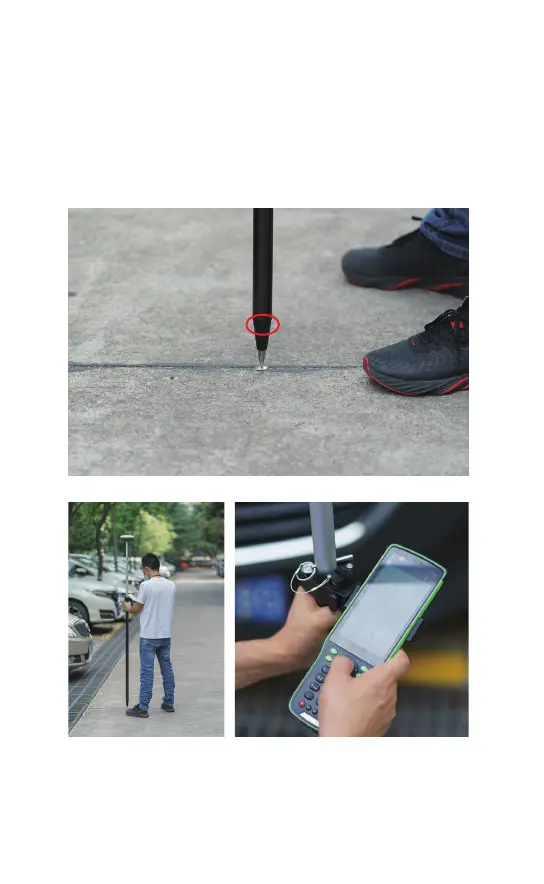
1、Get fixed solution by setting the mobile station properly.
Click [Survey]- [Point survey] to get the coordinates of two
known controlling points.
Looking for the two already-known control points
Measuring the point to get its coordinates
2、Click [Project]-[Localization]-[Add] (bottom left) and input
the coordinates of the control point and the measuring point.
Known controlling point:
Northern :2909040.268
Eastern :480802.662
Altitude: 11.901
Measuring point
Northern:2909040.332
Eastern:480802.657
Altitude: 11.579



 To Next Page