3.2.6 Data Exporting
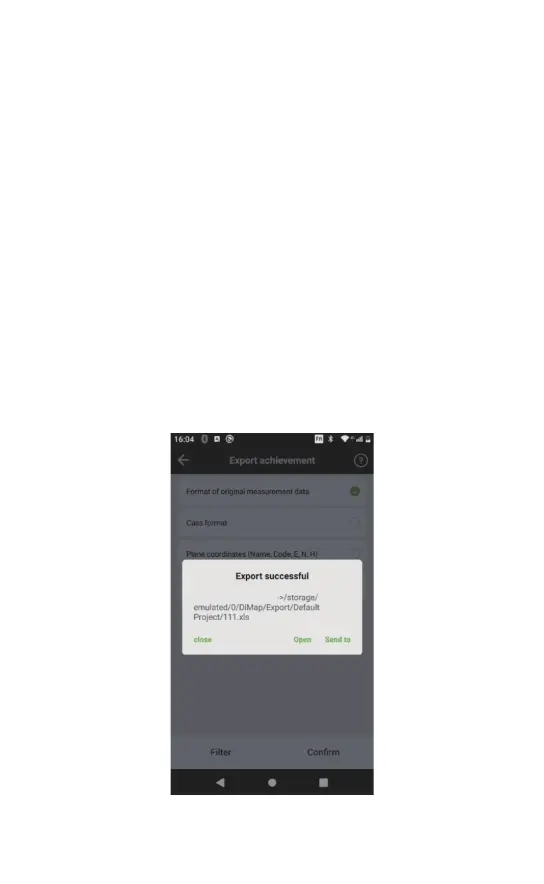
When the measuring work is finished, the results can be
exported in the format that caters to the needs of the surveyor
by clicking [project]-[data export]. The export process is as
follows.
a. Connecting the controller to a computer by Type-C cable. Set
USB computer connection to MTP mode.The computer will read
the U disk mode in the controller, open and copy the recorded
results on the computer.
Note: Users need to export the results from the app to the
controller before connecting the controller to a computer by
USB.
b. When the recorded results have been exported to the control-
ler, a share prompt will show up for users to send the results to
a computer by wireless methods through WeChat, QQ, or
Bluetoo
th.
File will saved in the path



 To Next Page