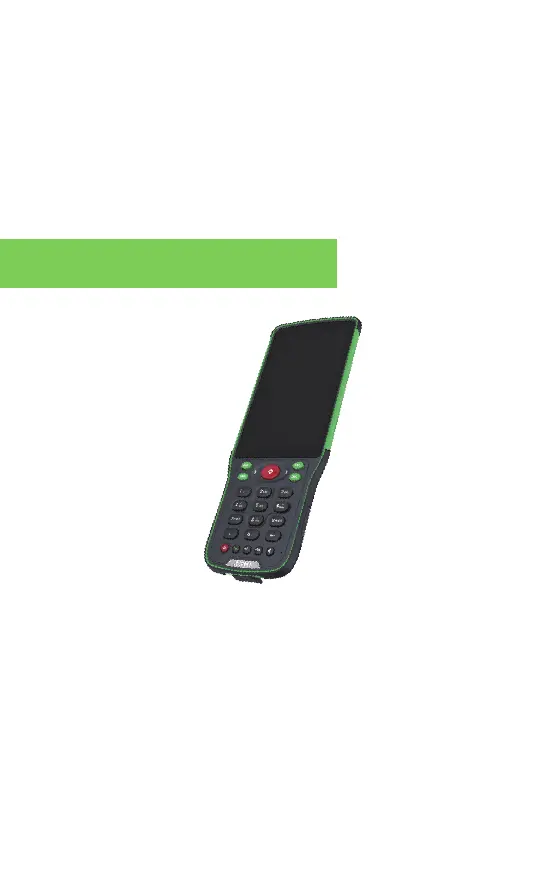
2.1 Red Positioning Button
a.Turn on the DiMap: You can directly turn on the DiMap by
pressing the red button when the controller is powered on;
b.Measuring: When the DiMap is in the survey or stakeout
interface, press the red button to collect and store the data.(
1st press for gathering data, 2nd press for confirming the
storage coordinates.)
2、 Alpha Bi Controller
Operating instruction:
Two short press plus a long press until a long beep sound is heard,
the instrument will begin the self-test process. If there is nothing
wrong with the machine, there will be two short beep as a
reminder, otherwise, the warning alarm will sound for a longer
period of time.



 To Next Page