3.2 Detailed operation instructions of RTK:
Set up the base,and install the UHF antenna when using the radio
mode. Press the power button to turn on the receiver, and wait for
the base to target the satellite.
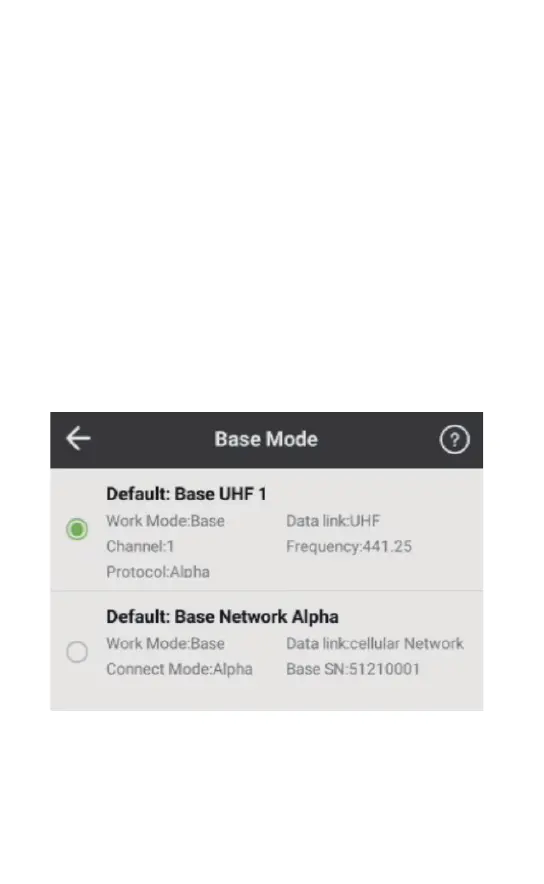
When the controller is connected to the reference station, click
[Device] - [Base Mode] to select the configuration set required in the
measurement work.
3.2.1 Set up the base
(5) Go to another known point to check whether the coordinates are
right after coordinate transformation.
(6) Start the work.
*If the start-up coordinate or the position of the base station change,
you need to perform a maker point calibration process.
(7) Finish the work and export the data file as required.



 To Next Page