2 Dana System Software 1.5 Addendum
Full-screen Applications Launcher
Full-screen Applications Launcher
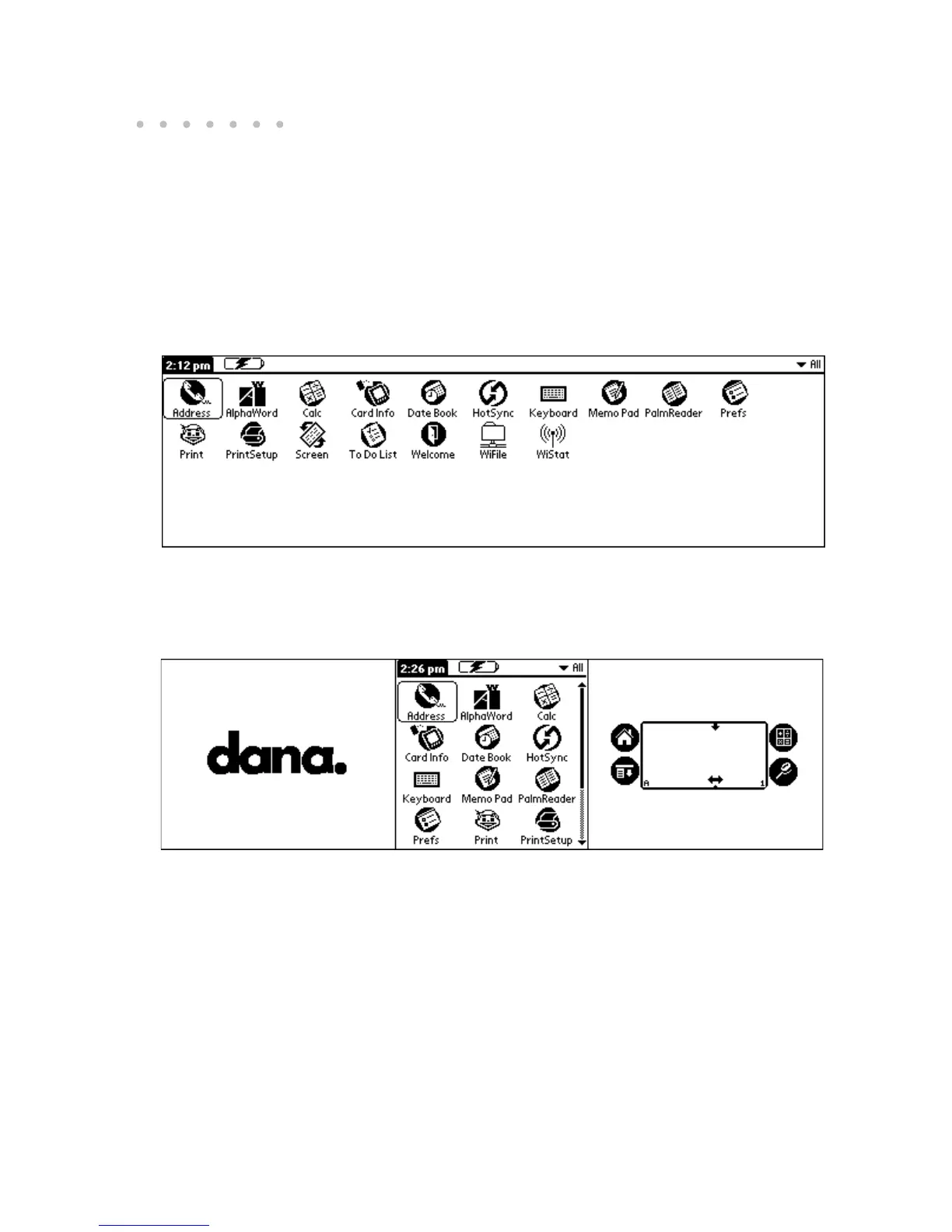
Dana makes the most of its wide screen by displaying applications in a wider version
of the Applications Launcher. The full-screen Launcher shows you your applications
across the entire screen, which often frees you from having to scroll down to find the
application you want.
Of course, if you prefer viewing the applications centered onscreen, as most other Palm
devices display them, you can change the Applications Launcher view.
Full-screen view of the Applications Launcher
Centered view of the Applications Launcher


 To Next Page