EasyManua.ls Logo

Alpine 3D Shuttle 7980M - Page 18

Alpine 3D Shuttle 7980M
46 pages
Print Icon
To Next Page IconTo Next Page
To Previous Page IconTo Previous Page
Loading...
«
CD
OPERATION
>
lf
a
magazine
has
already
been
inserted
into
the
unit,
and
the
unit
is
not
in
the
CD
mode,
press
the
DISC
button
@.
Disc
Loading
1.
Insert
a
magazine
into
the
Magazine
Loading
slot
@.
2.
The
digital
display
shows
“T-00".
3.
Press
the
DISC
(
»/IE)
button
@.
4.
The
magazine
will
move
out
from
the
7980M
and
the
discs
inside
the
magazine
will
be
loaded.
5.
Play
will
start
from
the
first
track
of
the
first
disc.
Note
that
in
the
case
where
the
magazine
was
already
loaded,
play
will
begin
from
the
place
where
the
play
last
stopped.
CAUTION:
When
the
7980M
is
changing
discs,
the
magazine
will
be
pushed
out
from
the
front
of
the
unit.
During
this
process,
do
not
touch
the
magazine
or
subject
it
to
strong
shocks
as
this
could
result
in
damage
to
the
mechanism.
If
the
7980M
is
mounted
in
a
location
that
could
interfere
with
your
driving
(such
as
changing
gears),
operate
the
unit
keeping
in
mind
the
movement
of
the
magazine.
NOTES:
e
When
the
last
track
of
the
disc
finishes
playing,
play
will
begin
automatically
with
the
first
track
of
the
next
disc.
e
When
the
last
track
of
the
third
disc
inside
the
disc
magazine
finishes
playing,
the
7980M
returns
to
disc
1
and
repeats
playback
of
the
entire
magazine.
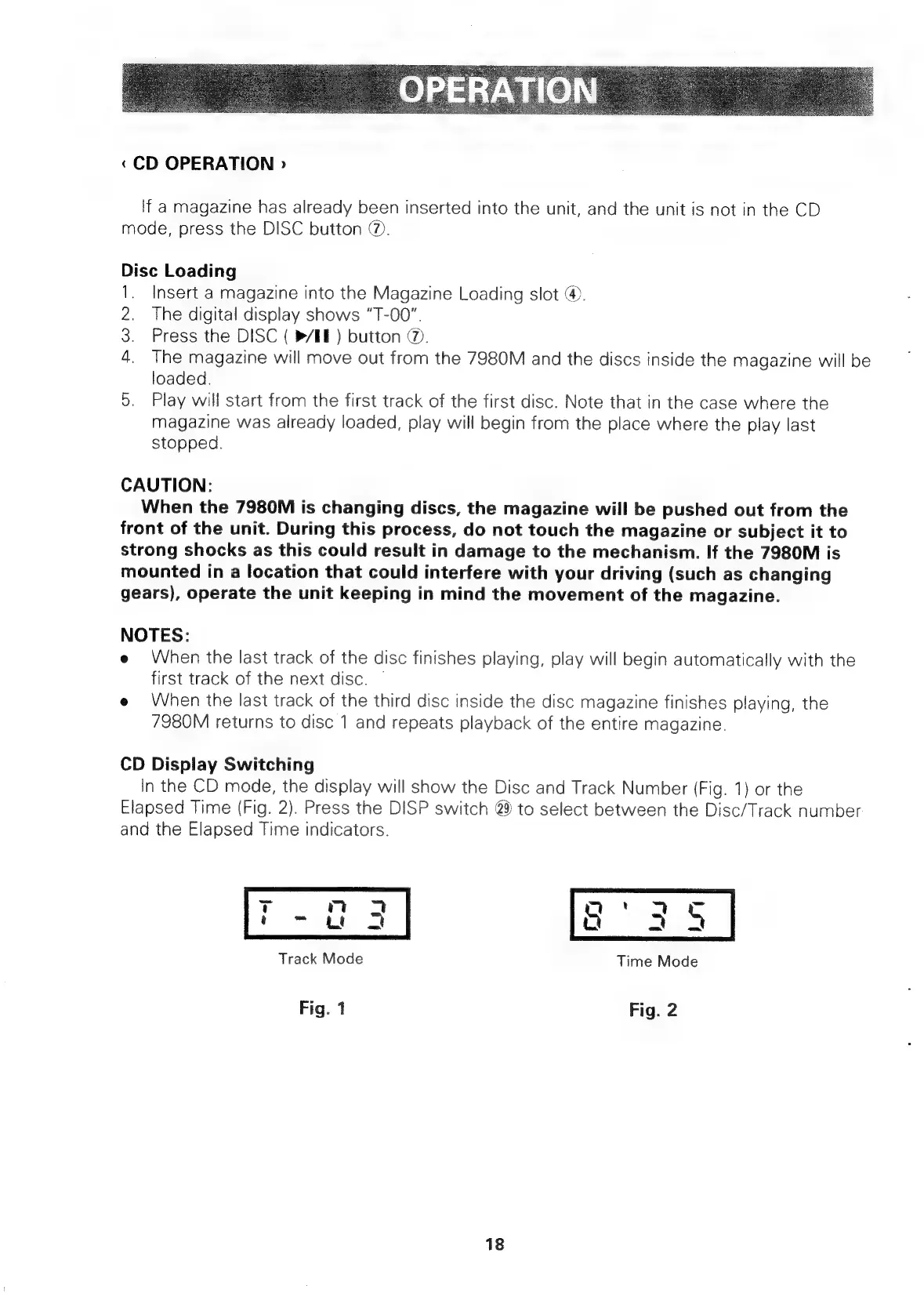
CD
Display
Switching
In
the
CD
mode,
the
display
will
show
the
Disc
and
Track
Number
(Fig.
1)
or
the
Elapsed
Time
(Fig.
2).
Press
the
DISP
switch
@
to
select
between
the
Disc/Track
number
and
the
Elapsed
Time
indicators.
tT
m7
3
a
'
4
oc
i
-
tt
2
Q
I
4
Track
Mode
Time
Mode
Fig.
1
Fig.
2
18

Related product manuals