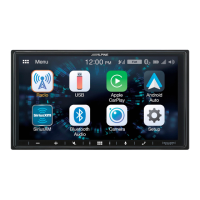
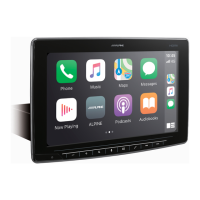
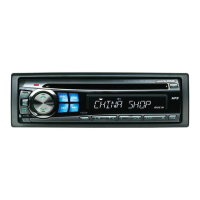
1-EN
IMPORTANT
Please record the serial number of your unit in the space provided below and keep it as a permanent
record.
SERIAL NUMBER:
ISO SERIAL NUMBER: AL
INSTALLATION DATE:
INSTALLATION TECHNICIAN:
PLACE OF PURCHASE:
For details on all functions, refer to the Owner’s Manual stored in the supplied CD-ROM. (As it is
data CD, the CD cannot be used for playing back music and images on the player.) If required, an
ALPINE dealer will readily provide you with a print out of the Owner’s Manual contained in the
CD-ROM.
Contents
WARNING ................................................................................................................................................................2
CAUTION .................................................................................................................................................................3
Getting Started .....................................................................................................................................................4
Favourite Function ...............................................................................................................................................6
Registering Items .................................................................................................................................................6
Android Auto (Optional) ....................................................................................................................................7
Apple CarPlay (Optional) ...................................................................................................................................7
Radio/RDS Operation .........................................................................................................................................8
DAB/DAB+/DMB Operation .............................................................................................................................9
USB Flash drive Operation (Optional) .........................................................................................................10
HDMI Device (DVD Player) Operation (Optional) ...................................................................................11
iPod/iPhone Operation (Optional) ...............................................................................................................12
Hands-Free Phone Control .............................................................................................................................13
Map Functions.....................................................................................................................................................14
Navigation Menu ................................................................................................................................................15
Setting a Destination ........................................................................................................................................16
Specifications ......................................................................................................................................................17



 To Next Page
 Loading...