EasyManua.ls Logo

Alpine CDE-143BT - USB Port and Flash Memory Usage Guidelines; USB Port Protection and Safe Usage; Flash Memory Handling and Data Protection

Alpine CDE-143BT
89 pages
Print Icon
To Next Page IconTo Next Page
To Previous Page IconTo Previous Page
Loading...
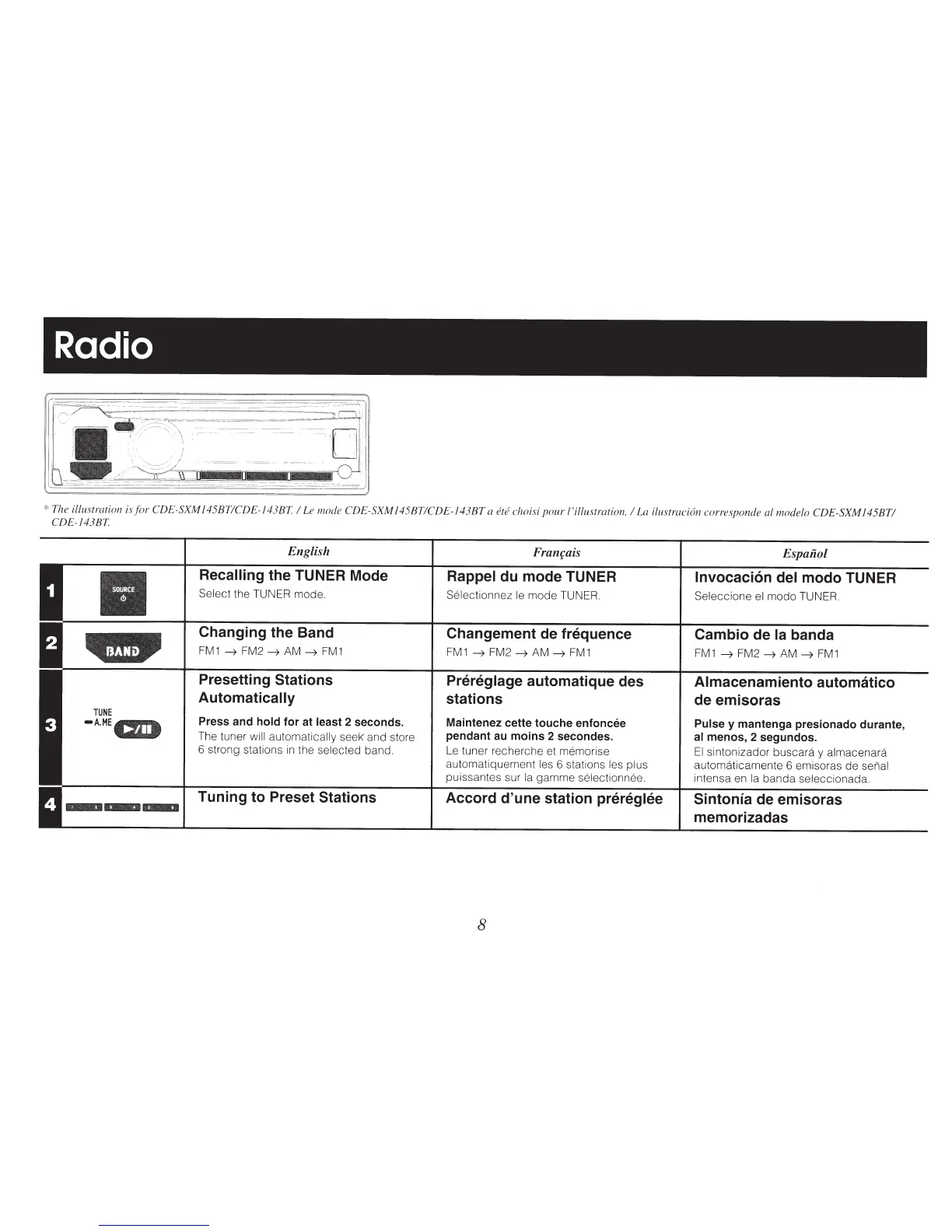
Radio
*
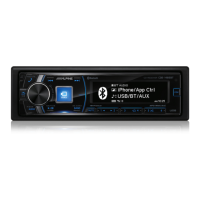
The illustration is
for
CDE-SXM
145BTICDE-143BT
I
Le mode
CDE-SXM
1 45BTICDE-1
43BT
a
ere
choisi
pour
I
'illustration. I
La ilustraci6n corresponde a!
modelo
CDE-SXM
1
45BTI
CDE-143BT
TUNE
-A.ME
.4111111111,_,*~j
••
English
Recalling
the TUNER Mode
Select
the TUNER mode.
Changing the Band
FM1
~
FM2
~AM~
FM1
Presetting
Stations
Automatically
Press and
hold
for
at least
2 seconds.
The tuner
will automatically
seek and store
6 strong stations
in
the
selected
band.
Tuning
to
Preset Stations
Franrais
Rappel
du
mode TUNER
Selectionnez
le
mode TUNER.
Changement de frequence
FM1
~
FM2
~AM~
FM1
Prereglage
automatique des
stations
Maintenez cette
touche
enfoncee
pendant au
moins
2 secondes.
Le
tuner recherche et memorise
automatiquement
les 6 stations
les plus
puissantes sur
Ia
gamme
selectionnee.
Accord
d'une
station prereglee
8
Espaiiol
lnvocaci6n
del
modo
TUNER
Seleccione
el
modo TUNER.
Cambio de
Ia
banda
FM1
~
FM2
~AM~
FM1
Almacenamiento automatico
de emisoras
Pulse
y
mantenga presionado durante,
al
menos, 2 segundos.
El
sintonizador buscara y
almacenara
automaticamente 6 emisoras de senal
intensa
en
Ia
banda seleccionada.
Sintonla
de emisoras
memorizadas

Table of Contents

Other manuals for Alpine CDE-143BT

Related product manuals