3
WARNING – Do not update the firmware while driving
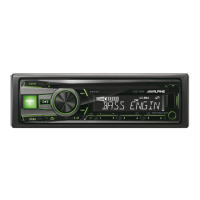
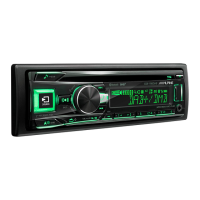
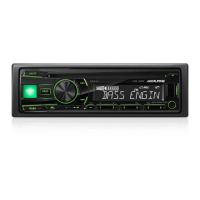
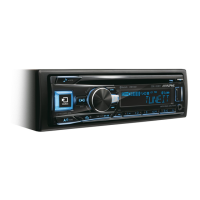
Head Unit Setup Buttons Illustration
The illustration shows the buttons that will be used during the
update procedure. This illustration is based on the
CDE-193BT model. The button locations will be different on
some models. Please refer to the owner’s manual for your
specific model.
1. Format the USB stick
1. Plug in the USB stick.
2. Right click the USB drive
and select “Format…”


 To Next Page