13-EN
Setting the Treble Control
You can change the Treble Frequency emphasis to create your own
tonal preference.
1
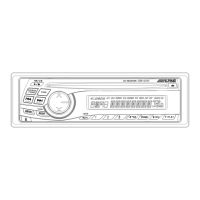
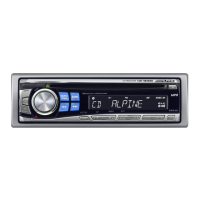
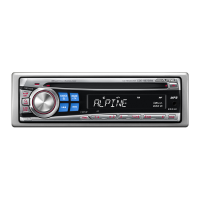
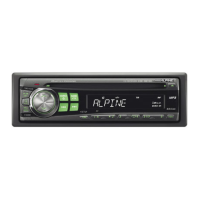
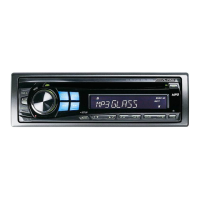
Press TRE.C. (CDE-9846 only) or press CENT.f.
(CDE-9842 only) to select the Treble (treble center
frequency) Control mode.
CDE-9846:
TRE LV ↔ normal mode
CDE-9842:
BASS LV → TRE LV → normal mode → BASS LV
2-1
Setting the treble Center frequency:
Press g or f to select the desired treble
center frequency.
7.5kHz ↔ 10.0kHz ↔ 12.5kHz ↔ 15.0kHz
The displayed Treble frequency is emphasized.
2-2
Setting the treble level:
Turn the Rotary encoder (CDE-9846 only) or
press
44
44
4 and
33
33
3 (CDE-9842 only) to select the
desired treble level (–7~+7).
You can emphasize the treble frequency.
• If no operation is performed within 15 seconds, the treble control
setting will be turned off automatically.
• The treble level settings will be individually memorized for each
source (FM, AM, CD, etc.) until the setting is changed. The Treble
frequency settings adjusted for one source are effective for all other
sources (FM, AM, CD, etc.).
• This function is inoperable when DEFT is set to ON.
Turning Loudness On/Off
Loudness introduces a special low- and high-frequency emphasis at
low listening levels. This compensates for the ear's decreased
sensitivity to bass and treble sound.
Press and hold the Rotary encoder (CDE-9846 only)
or press and hold MODE (CDE-9842 only) for at least
2 seconds to activate or deactivate the loudness mode.
The display shows “LD” when the loudness mode is activated.





 To Next Page