- 5 -
Introduction to main interface functions
2.1 Main interface and application interface
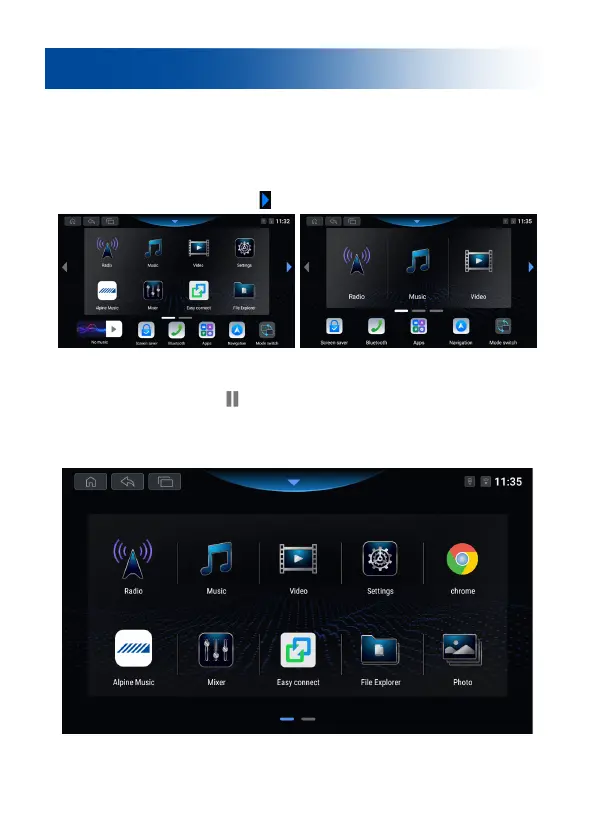
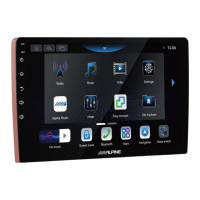
1. After the machine starts up, it defaults to the main menu page, which mainly
displays shortcuts to commonly used functions. Users can also adjust the layout of
this page according to their preferences. Click the "Mode Switch" icon to enter
the large icon mode. This device has multiple screens, which can be swiped left or
right or clicked on the arrow icon [ ] to switch interfaces.
2. Music Card: Located at the bottom left corner of the main interface. When
there is no music playing, click to enter the music interface; when there is music
playing, click the pause icon [ ] to pause the music playback, click the image to
enter the music interface.
3. Click the "App Center" icon on the main interface to enter the full application
interface.


 To Next Page