62-EN
01GB06IVA100R.fm
ALPINE IVA-D100R 68-05946Z50-A (EN)
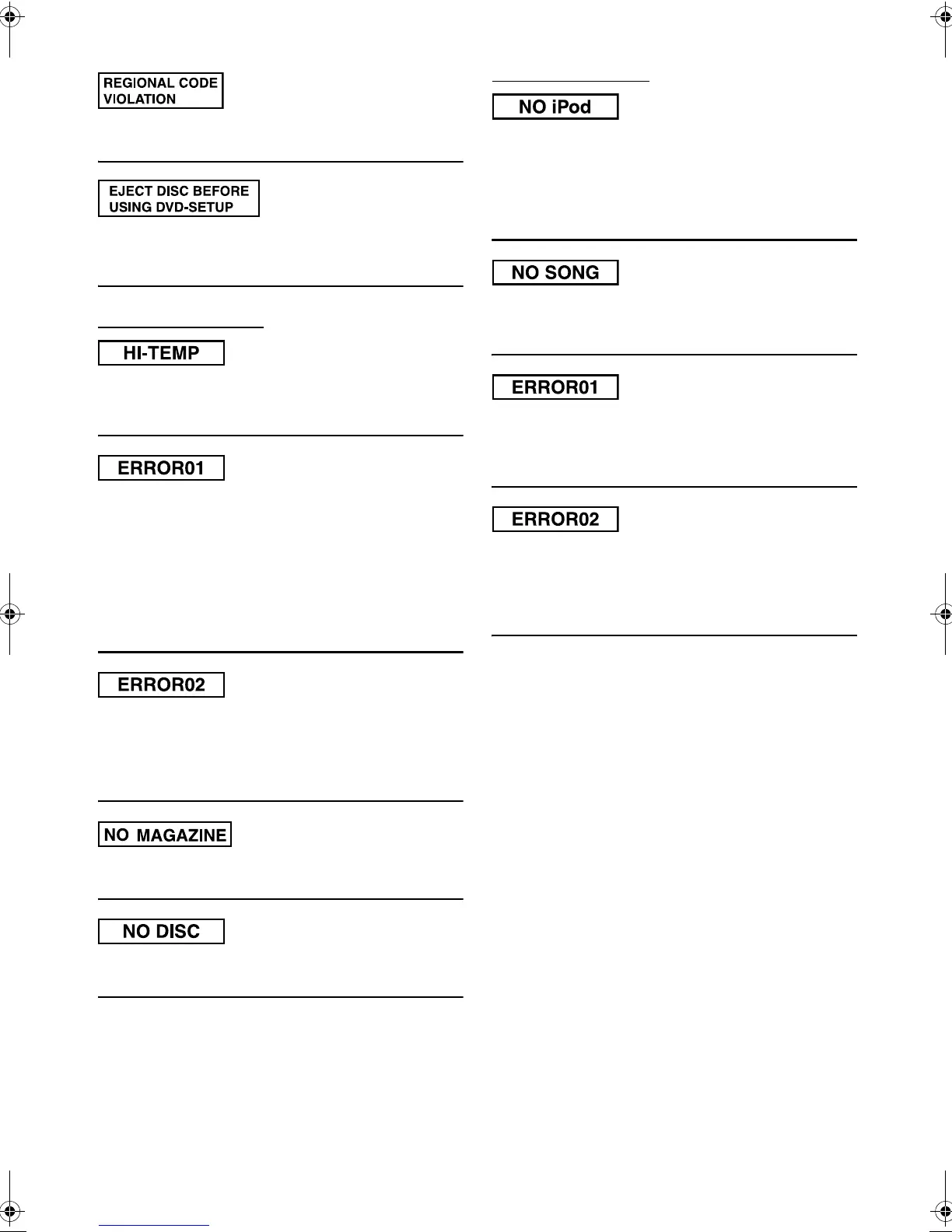
• Disc does not match regional code number.
- Load a disc that matches the regional code number.
• The DVD setup operation was attempted when a disc is inserted
in the unit.
- Eject the disc before the DVD setup operation.
Indication for CD changer
• Protective circuit is activated due to high temperature.
- The indicator will disappear when the temperature returns to
within operation range.
• Malfunction in the CD Changer.
- Consult your Alpine dealer. Press the magazine eject button
and pull out the magazine.
Check the indication. Insert the magazine again.
If the magazine cannot be pulled out, consult your Alpine
dealer.
• Magazine ejection not possible.
- Press the magazine eject button. If the magazine does not eject,
consult your Alpine dealer.
• A disc is left inside the CD Changer.
- Press the Eject button to activate the eject function. When the
CD Changer finishes the eject function, insert an empty CD
magazine into the CD Changer to receive the disc left inside
the CD Changer.
• No magazine is loaded into the CD Changer.
- Insert a magazine.
• No indicated disc.
- Choose another disc.
Indication for iPod Mode
• The iPod is not connected.
- Make sure the iPod is correctly connected (refer to
“Connections”).
Make sure the cable is not bent excessively.
• The iPod’s battery remains low.
- Refer to the iPod’s documentation and charge the battery.
• There are no songs in the iPod.
- Download songs to the iPod and connect to the IVA-D100R/
IVA-D100RB.
• Communication error
- Turn the ignition key off, and then set to ON again.
- Check the display by reconnecting between the iPod and the
adapter, using the iPod cable.
• Caused by the iPod Software Version not being compatible with
the optional adapter KCA-420i.
- Refer to the Owner’s Manual of the optional adapter KCA-
420i, and update the iPod Software Version to be compatible
with the optional adapter KCA-420i.
01GB00IVAD100R.book Page 62 Friday, February 10, 2006 2:39 PM








 To Next Page