Getting Started I
Mise
en
route
I
Primeros
pasos
--
--
--
--
---
~-~~---
-------
J
English
Turning Power
On
Press any button (except
~
and
.!.
)
to
turn power on.
.
"DEMO
OFF"
·will
prompt
'rt'hen
you install
and
use the
unit
for
the first time, press
~/ENTER
to turn qfl demo function. For
details, refer to
Owner's
Manual stored in the
supplied
CD-ROM.
Press and hold
~/<!)
for at least 2
seconds to turn off the unit.
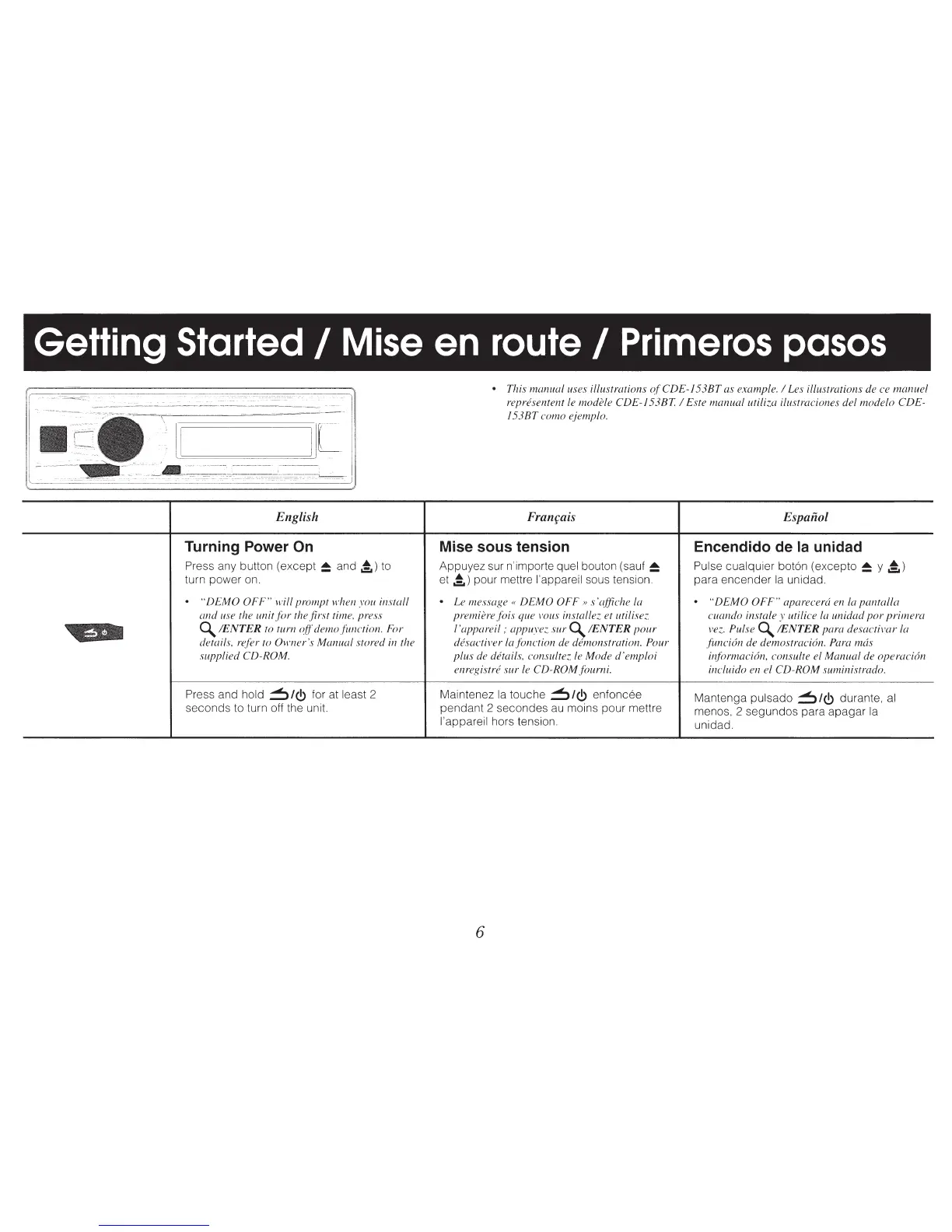
• This
manual
uses illustrations
of
CDE-153BT
as example. I Les illustrations de ce
manuel
representent le modi.de CDE-153BT. I Este
manual
utiliza ilustraciones del
modelo
CDE-
153BT
como
ejemplo.
Franfais
Espaiiol
Mise sous tension Encendido de Ia unidad
Appuyez sur n'importe quel bouton (sauf
~
Pulse cualquier bot6n ( excepto
~
y
.!.
)
et
.!.)
pour mettre l'appareil sous tension.
para encender
Ia
unidad.
.
Le
message«
DEMO
OFF»
s 'qffiche la
.
"DEMO
OFF"
aparecera en
Ia
pantalla
premiere
fois
que vous installez. et utilisez. cuando instale y uti lice
Ia
unidad
por
primera
l'appareil;
appuyez.
sur~
/ENTER
pour
vez.
Pulse~
!ENTER para
desactivar
la
desactiver
Ia
fonction de dbnonstration. Pour
funcidn
de demostracic5n. Para mcis
plus
de details, consultez le
Mode
d'emploi
il~{ormaci6n,
consulte el
Manual
de
operaci6n
enregistre
sur
le
CD-ROM
fourni.
incluido en el
CD-ROM
suministrado.
Maintenez
Ia
touche
~/<!)
enfoncee
Mantenga pulsado
~/<!)
durante,
al
pendant 2 secondes
au
moins pour mettre
menos, 2 segundos para apagar
Ia
l'appareil hors tension.
unidad.
6



 To Next Page