15-EN
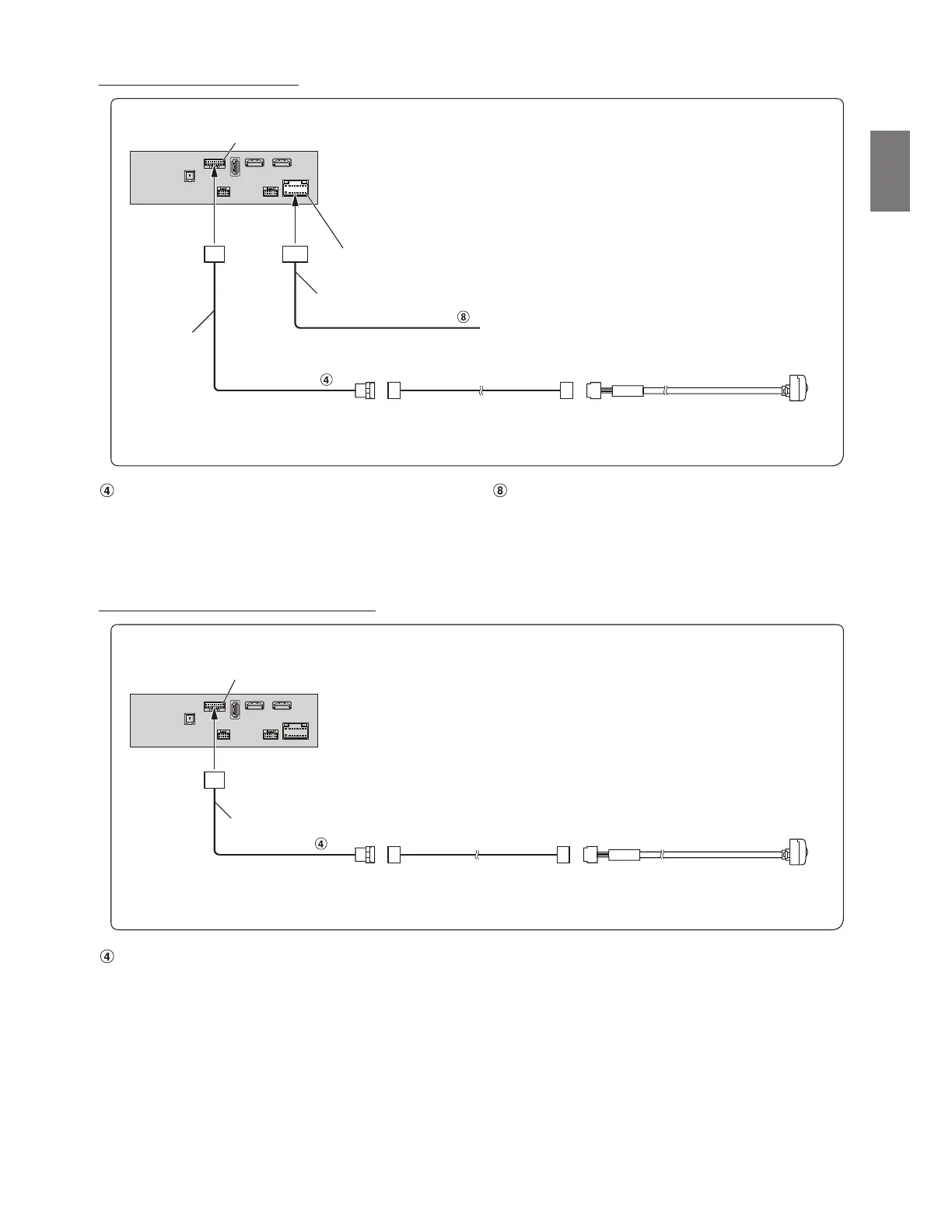
Connection of a Rearview camera
Direct CAMERA Input Connector Reverse Lead (Orange/White)
• Set the Camera Select to “Rear.” For details, refer to “Setting the Camera Input” in the OWNER’S MANUAL.
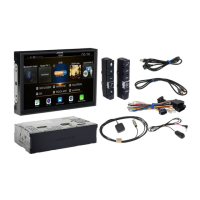
• When using the optional Multi Camera Interface module, you can connect up to 3 cameras: Front camera, Rear camera, and Side camera. For details on
how to connect, refer to the OWNER’S MANUAL of the Multi Camera Interface module.
Connection of a Frontview or Sideview camera
Direct CAMERA Input Connector
• Set the Camera Select to “Front” or “Side.” For details, refer to “Setting the Camera Input” in the OWNER’S MANUAL.
• When using the optional Multi Camera Interface module, you can connect up to 3 cameras: Front camera, Rear camera, and Side camera. For details on
how to connect, refer to the OWNER’S MANUAL of the Multi Camera Interface module.
CAN I/F connector
Reverse
Connect to the plus side of the car’s reverse lamp.
Camera extension cable
(included with direct rearview camera)
Power Supply connector
CAMERA
(Orange/White)
HCE-C127D/HCE-C157D
(sold separately)
Power cable
Interface cable
CAN I/F connector
Camera extension cable
(included with direct frontview/
sideview camera)
CAMERA
Frontview camera: HCE-C212FD (sold separately)
or
Sideview camera: HCE-C259SD (sold separately)
Interface cable


 To Next Page