PVR Function
The Set Top Box has PVR (Digital Video Recorder) capabilities. Whilst
recording, you have the option of watching other channels.
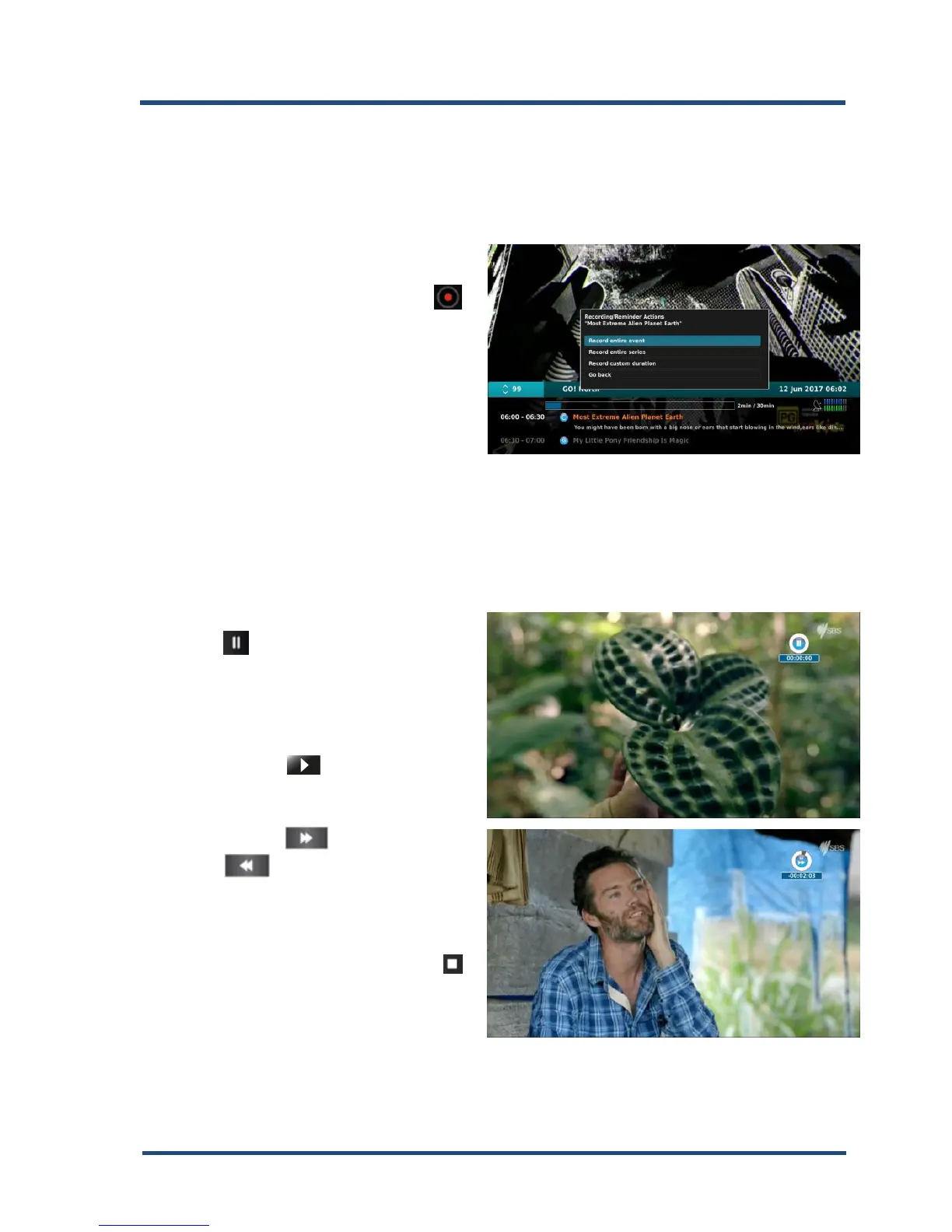
Direct recording
To start a recording press the “ ”
record key, choose a recording
option with the “▲▼” keys and
confirm with the “OK” key.
EPG Recording
You can programme Timer options from the EPG.
Time-shift-Function
1. During Live TV you can press
the “ ” pause key to activate
the Time-Shift function. The Set
Top Box pause’s the program
until you want to continue
watching.
2. Use the “ ” play key to
continue watching the time-
shifted program.
3. Press the “ ” Fast Forward
or “ ” Rewind keys to
increase the playback speed
from 2 to 256x in both
directions.
4. To stop playback, press the “ ”
stop key.
5. To return to live TV, press the
“EXIT” key.
6. The Time-Shift function de-activates after changing to another channel.


 To Next Page