EasyManua.ls Logo

Altusen KL9108 - User Manual

Altusen KL9108
158 pages
Print Icon
To Next Page IconTo Next Page
Loading...
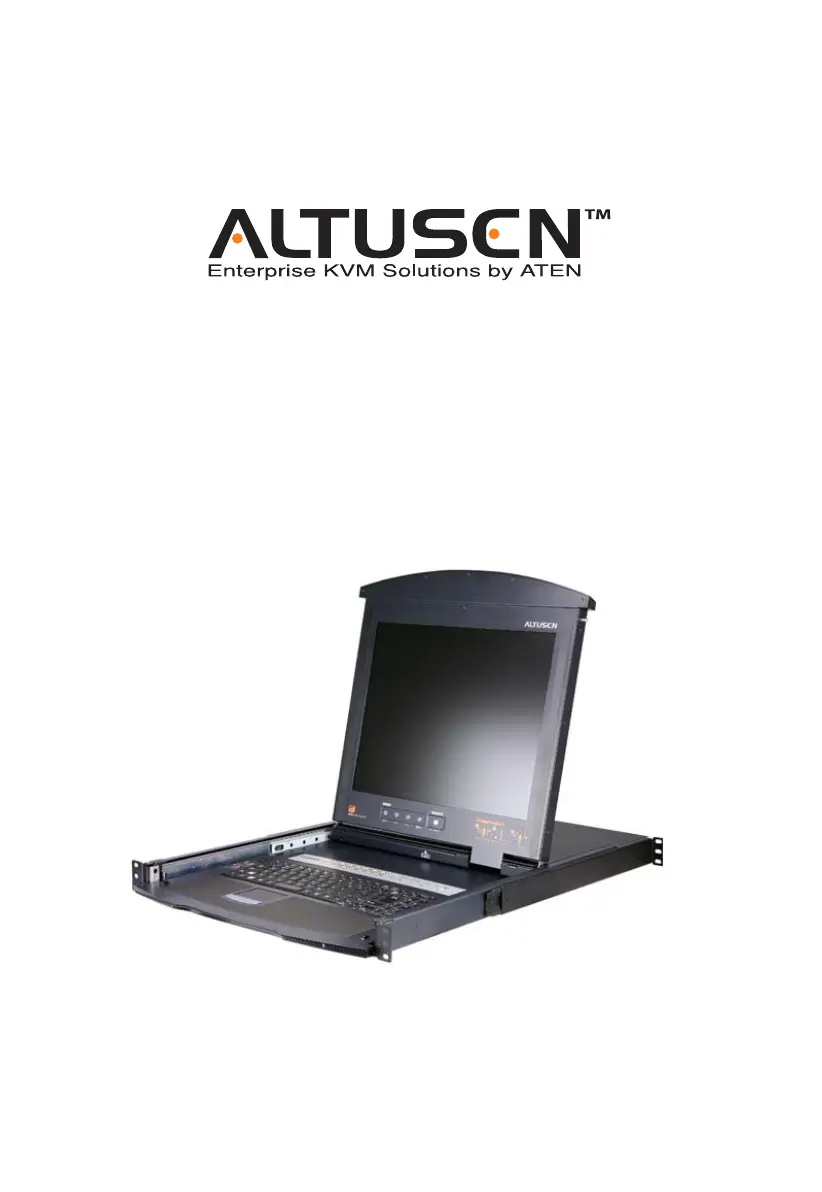
Dual Rail LCD KVM Switch
KL9108 / KL9116
User Manual
www.aten.com

Table of Contents

Questions and Answers

  • S
    Steven KellySep 8, 2025
    What to do if multiple remote users get partial image on Altusen KL9108?
    • M
      mmccoySep 8, 2025
      When multiple remote users are logged in concurrently and some of them only receive a partial image, the first user to invoke Panel Array Mode should set it to display at least 4 panels.
  • D
    Darren BrownAug 23, 2025
    What to do if Altusen KL9108 Windows Client won't connect?
    • S
      Sharon HernandezAug 23, 2025
      If the Windows Client doesn't connect to the KL9108 / KL9116, ensure that DirectX 7.0 or higher is installed on the remote computer.
  • H
    Helen SmithAug 25, 2025
    What to do if Altusen KL9108 Java Client won't connect?
    • L
      leahandersonAug 25, 2025
      If the Java Client won't connect to the KL9108 / KL9116: * Ensure that Java 2 JRE 1.4.2 or higher is installed on your computer. * Make sure to include the forward slash and login string when you specify the KL9108 / KL9116's IP address. * Close the Java Client, reopen it, and try again.
  • A
    alexis06Aug 26, 2025
    What to do if sudden loss of network connection with Altusen KL9108 Switch?
    • E
      Erin MckinneyAug 26, 2025
      If you experience a sudden loss of network connection, close your KL9108 / KL9116 connection. Wait approximately 30 seconds, and then log in again.
  • S
    Selena FarmerAug 27, 2025
    What to do if Altusen Switch remote computer’s pointer is out of sync?
    • L
      Larry HintonAug 27, 2025
      If the remote computer’s pointer is out of sync: 1. Use the AutoSync feature to sync the local and remote monitors. 2. If that doesn't resolve the problem, use the Adjust Mouse feature to bring them back in sync. 3. If the two methods described above fail to resolve the problem, use the Toggle Mouse Display function.
  • C
    celliottSep 22, 2025
    Why browser generates CA Root certificate is not trusted on Altusen Switch?
    • J
      Jason HoweSep 22, 2025
      If the browser generates a CA Root certificate is not trusted, or a Certificate Error response when you log in, it means that the certificate’s name is not found on Microsoft’s list of Trusted Authorities. However, the certificate can be trusted.
  • M
    Marc WilliamsSep 16, 2025
    What to do if I can’t see entire desktop on Altusen KL9108 Switch?
    • B
      brentgreenSep 16, 2025
      When viewing a computer with a high screen resolution from a remote computer, and you can’t see the entire desktop, try to move the pointer up and down, and side to side to expose the parts of the desktop that you can’t see. If this doesn’t work, toggling the mouse display will allow you to use the computer’s own pointer to view the rest of the desktop.
  • P
    pateljosephSep 18, 2025
    What to do if Altusen KL9108 LCD monitor screen goes blank?
    • J
      Joseph Koch DVMSep 18, 2025
      To resolve the problem when the LCD monitor screen goes blank when you switch to one of the computers on your installation, connect an external KVM console (with a monitor capable of displaying the problem computer’s screen resolution) to the KL9108 / KL9116’s external console ports. Use the external console to access the problem computer and reduce its resolution to 1280 x 1024.
  • J
    Jeffery MorenoSep 7, 2025
    How to fix intermittent OSD display on Altusen KL9108 Switch?
    • D
      dgonzalezSep 7, 2025
      If the OSD display is intermittent when accessing a computer for which the display refresh rate is set to 56Hz, press [F6] to blank the background when using the OSD.
  • E
    Erica RichardsonSep 4, 2025
    How to fix low resolution video in Panel Array Mode on Altusen KL9108 Switch?
    • M
      Michael WallaceSep 4, 2025
      To resolve low resolution video in Panel Array Mode, increase the number of panels that are displayed.

Altusen KL9108 Specifications

General IconGeneral
Device TypeKVM Switch
Number of Ports8
Video Resolution1920 x 1200
Audio SupportYes
Maximum Resolution1920 x 1200
Power SupplyExternal
Computer ConnectionsRJ-45