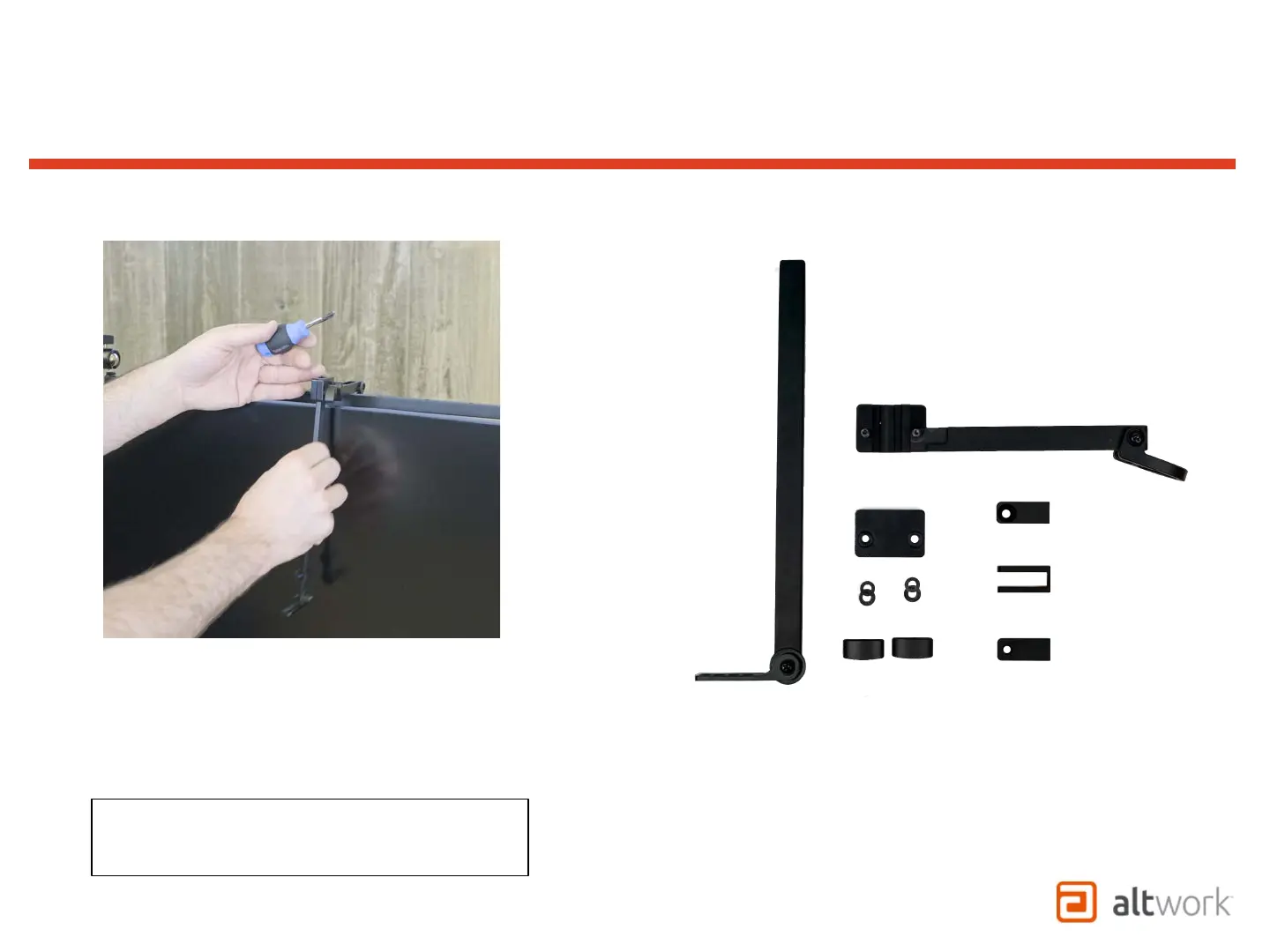
1. Remove (3) clamps from Camera Bar
2. Loosen both thumb screws
3. Remove Camera Bar from Slide Block
Note: Thumb nuts and plastic block may need to
be removed for larger connectors to be installed
through the block.
TruVue - VCS
Attaching Camera to VCS Mount


 To Next Page