(1) ¼-20 x 1/4”
(1) Alt ¼-20 x 3/8”
(1) Alt Adhesive Tape
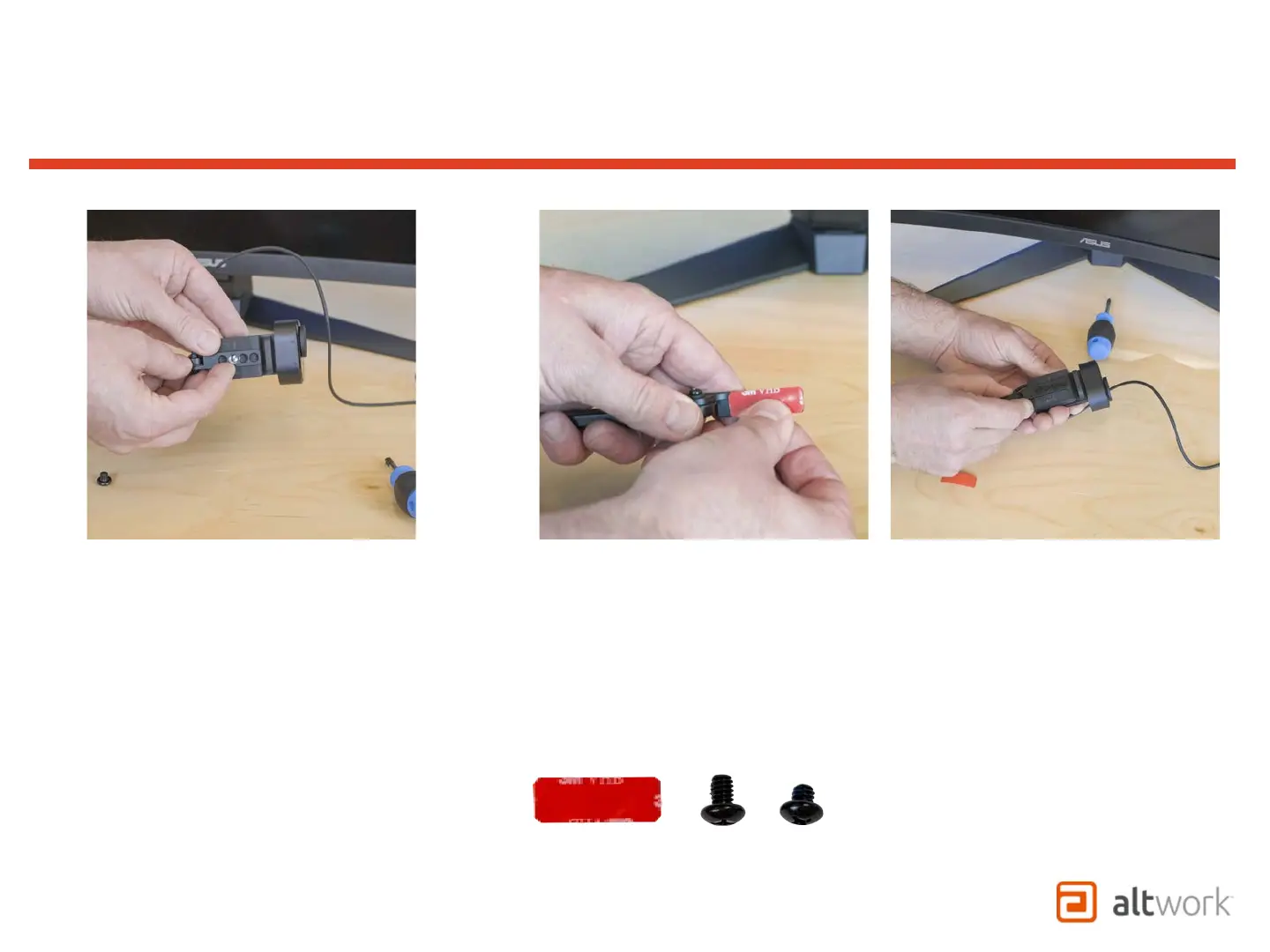
1. If the camera has a ¼-20 thread
mounting option,
2. select the correct length screw 1/4”
or 3/8” from the Hardware Kit.
3. Attach the camera to the Mount
through the hole that allows the
camera full range of adjustment.
1. If the camera does not have a ¼-20 thread mounting option,
select the Adhesive Tape from the Hardware Kit.
2. Make sure the surface of the Camera and Mount are clean and
free of oils then apply Tape to the Camera Mount.
3. Attach the Camera to the Mount onto the tape in a location
that allows the camera full range of adjustment.
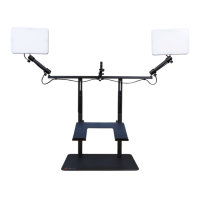
TruVue - VCS
Attaching Camera Mount


 To Next Page
 Loading...