3
We reserve the right to any technical change.
Valid on 2022.03.16
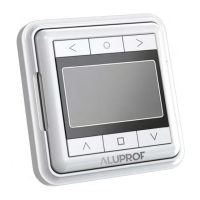
PROGRAMMING MANUAL OF THE AC151-06 TRANSMITTER
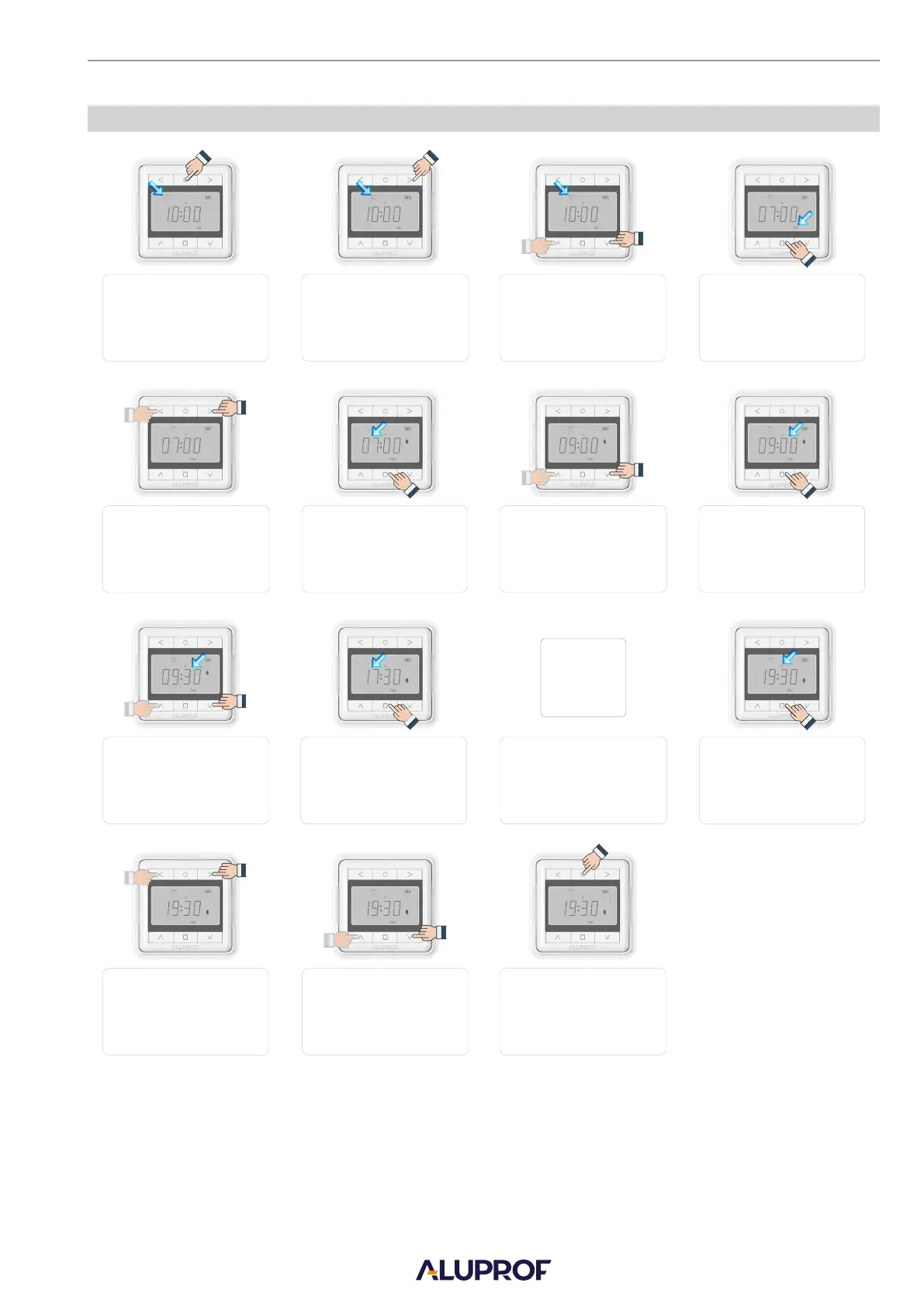
5. SETTING OF THE AUTOMATIC CONTROL TIME
Press and hold “SET” Press the “RIGHT” button. Press the ”UP” or “DOWN” buttons
to change the operating mode The operating mode icon will flash.
By pressing the “LEFT” or Press the “STOP” button.
The lifting hour will be displayed.
By pressing the „UP” or „DOWN”
buttons, settings of the minutes can
“RIGHT” buttons, settings of the
Hour digits will flash.
by change.
button for 3 seconds. The time
Repeat steps 7, 8, 9.
Press the “LEFT” or “RIGHT”
button to select the
required channel.
Press and hold “SET” button for 3
seconds till flashing of the icons on LCD
will stop, which means that the changes
Press the “STOP” button.
The channel digits
begin to flash.
Pressing the “STOP” button will switch
to settings of the lowering
hour.
to (T) automatic.
Press “STOP” button. Week
day will flash.
By pressing the „UP” or „DOWN” Press “STOP” buttons.
Minutes digits will buttons, you can change the hour
flash.
7, 8, 9
Press the ”UP” button to
activate the channel. Press the
“DOWN” button to deactivate the
icon will flash.
week days can by change. settings.
to the settings have been saved.
channel.


 To Next Page
 Loading...