15
Operating Instructions
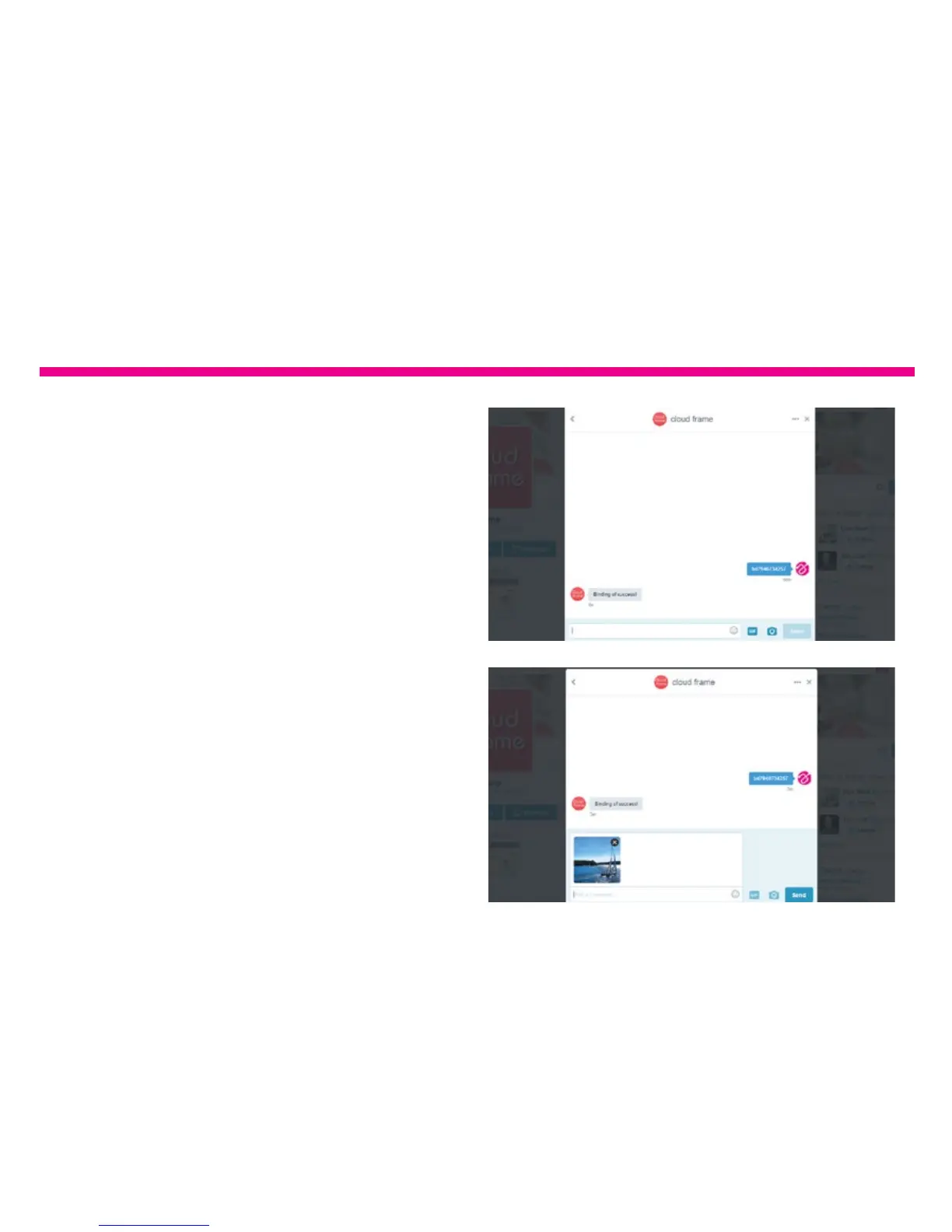
5. Type ‘bd+device serial no’ to bind. For
example, if the device serial number is
1234567890, please type bd1234567890
in the message. Once the binding is
successful, you will see a reply from the
Cloud Frame for the conrmation.
6. Congratulations! Your Twitter account is
now linked to the frame. To post a picture
to your frame, you can just send a private
message to the frame like below.







 To Next Page