16
Operating Instructions
Photo Partner
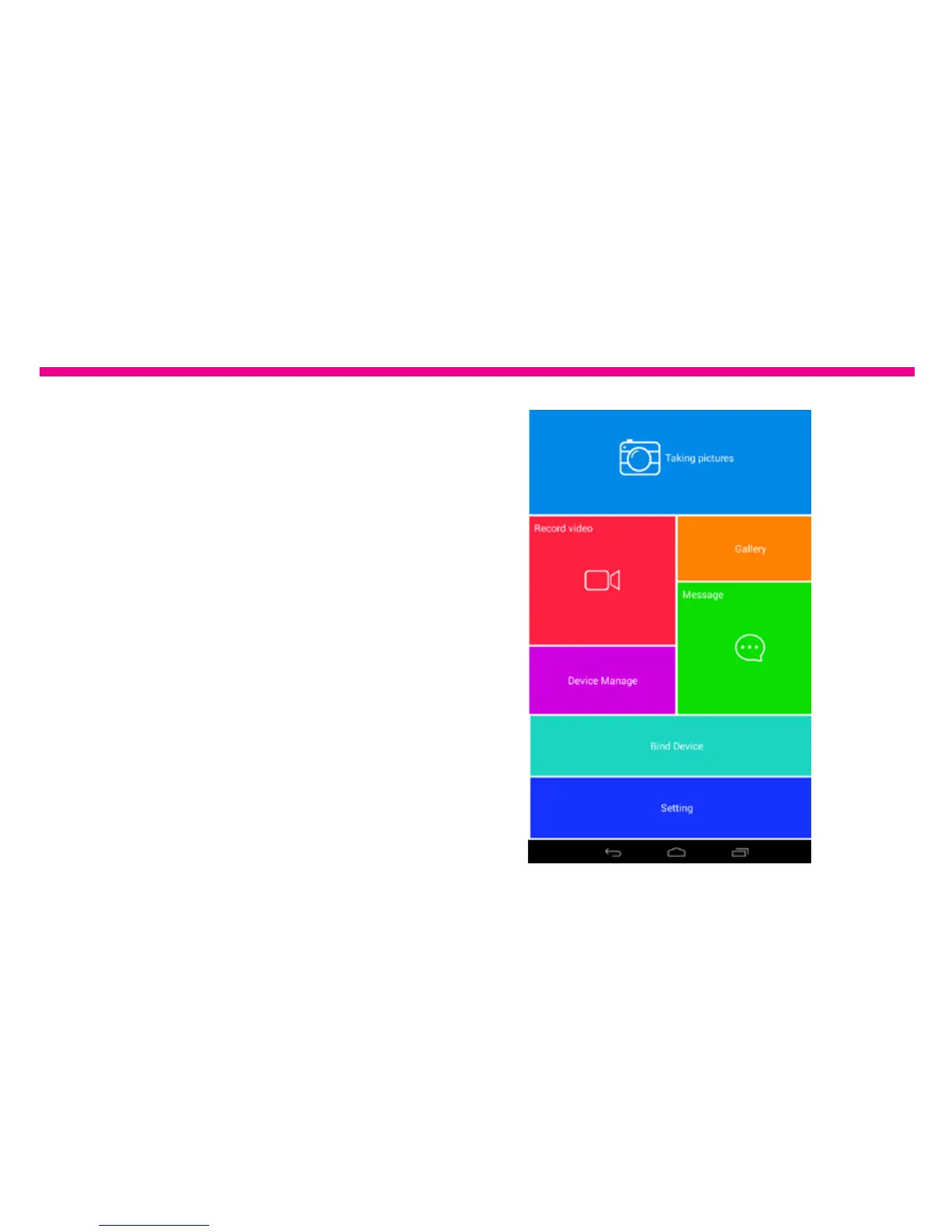
How to link the frame to Photo Partner app so
that you can send picture/video directly from
your tablet or smart phone.
1. You can either scan the QR Code on the
frame or search for “Photo Partner” in either
Google Play or iTunes store.
2. Once it is downloaded, please start the app
by tapping “Photo Partner”.
3. Tap on “Bind Device”.






 To Next Page