9
Operating Instructions
Step 2: Link your frame to your Facebook, Twitter, Photo Partner App or Computer
Facebook
How to link the frame to you Facebook account so that pictures from your Facebook page
will show automatically on the frame after you post it.
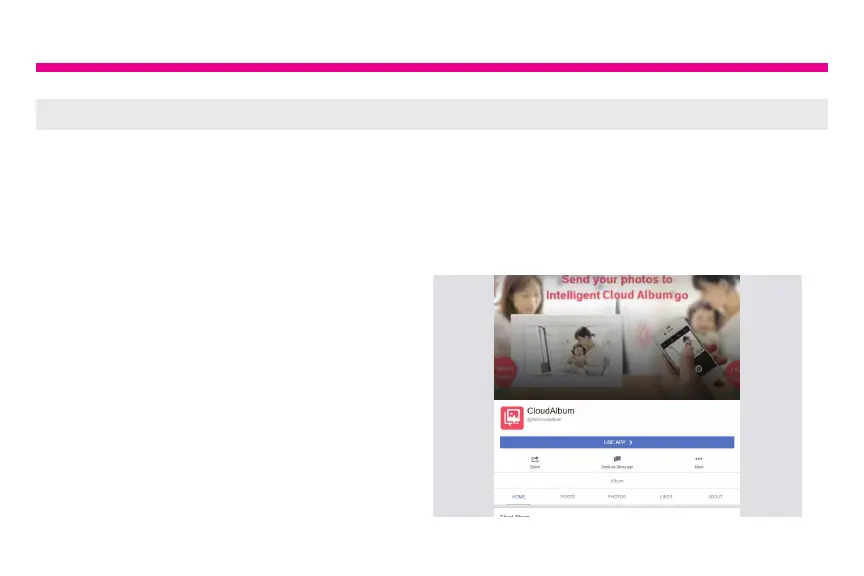
1. You can either scan the QR Code on
the frame using your smart phone or type
https://m.facebook.com/AWcloudalbum/
on a browser or mobile device using any
device.
2. Click on “USE APP”.






 To Next Page