34
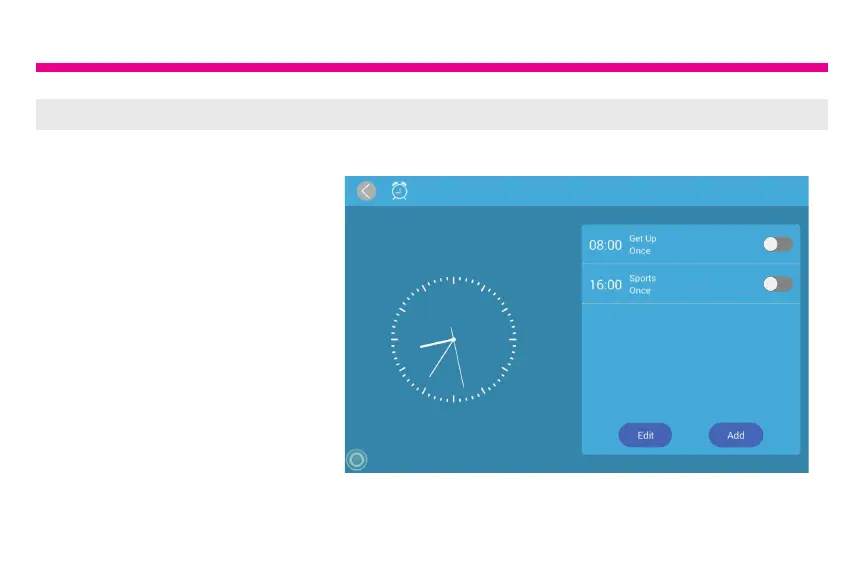
Alarm Function
How To Set Alarm
1. From the main menu,
tap on “Alarm”.
2. To edit an existing alarm,
tap on “Edit alarm” or tap “Add
alarm” to create a new alarm.
3. Once you have set the days,
time and ringtone of the alarm,
tap OK to set the alarm.














 To Next Page