8
Operating Instructions
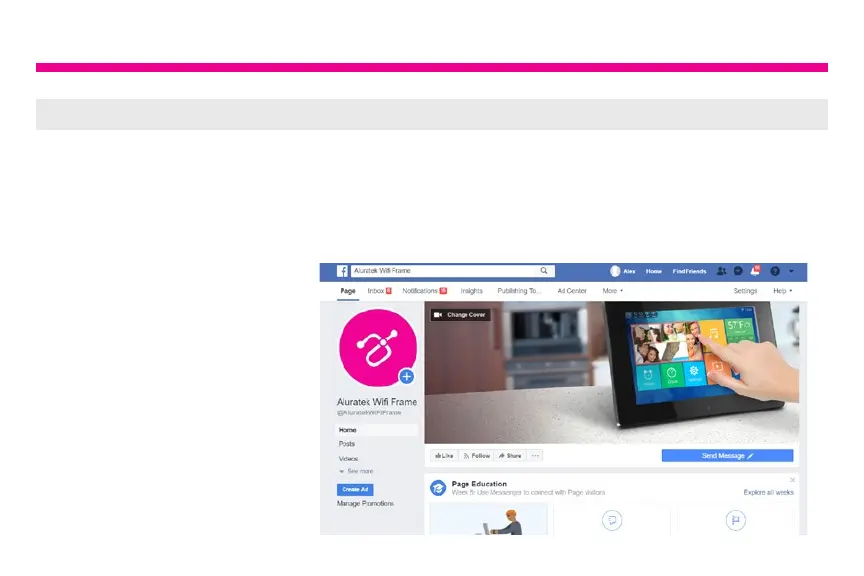
Step 2: Link your frame to your Facebook, Twitter or Aluratek Smart Frame App
Facebook
How to link the frame to you Facebook account so that you can send pictures to the frame
via Facebook.
1. Open Facebook app or go
to Facebook from your
browser and login to your
Facebook account if you
are not logged in already
2. Search for “Aluratek WiFi
Frame”






 To Next Page