10 11
Peakmeters
2 Quick info Quick info 2
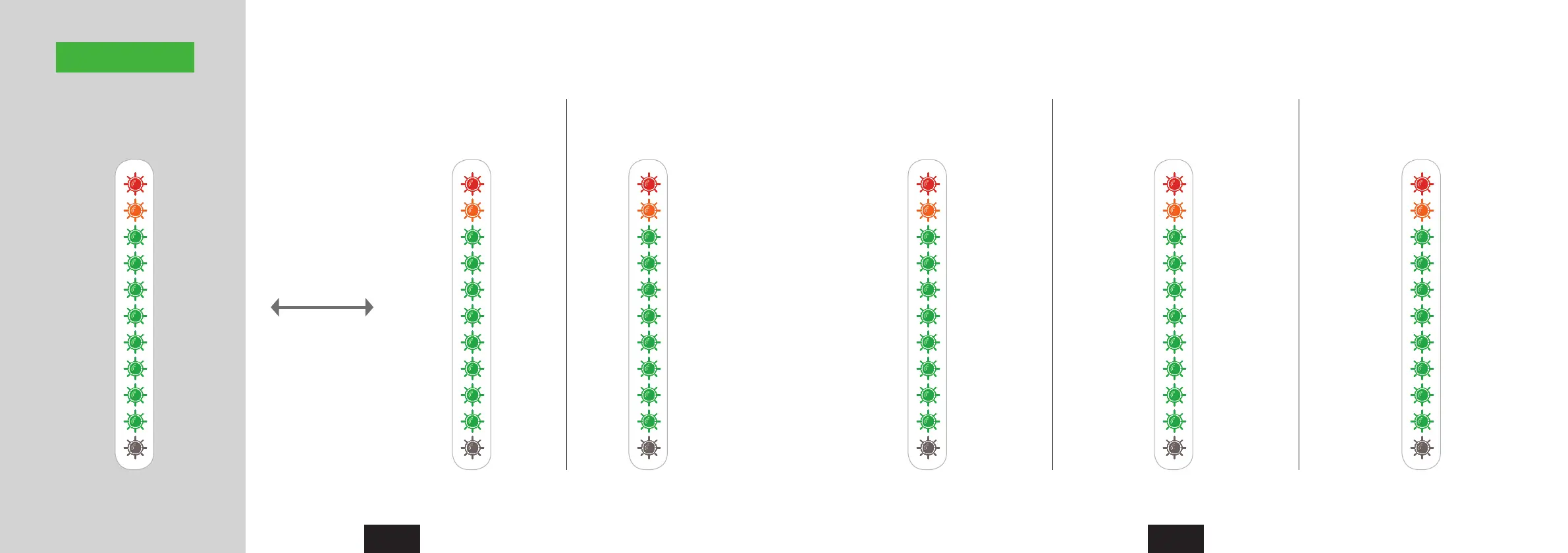
Signal levels Input 1/2 Gain (Preamps)Out 1/2 (XLR) Out 3/4 (Phones) Input 2 Hi-Z Gain Input 3/4 Gain
Level in dB Gain in dBLevel in dB Level in dB Gain in dB Gain in dBLED no. StepStep Step Step Step
10 Red 2040 40 20 200 50.50 6 (Boost) 43 33
9 Orange 1837 36 18 18-3 45-1.5 2 (Boost) 42.5 29
8 Green 1634 32 16 16-6 40-3 -2 40 24
7 Green 1428 28 14 14-9 34.5-7.5 -9 34.50 20
6 Green 1224 24 12 12-12 29-11.5 -17 29 16.50
5 Green 1020 20 10 10-15 24-17.5 -29 24 13.50
4 Green 816 16 8 8-17 18.5-25 -44 18.50 10.50
3 Green 612 12 6 6-19 13.50-34.5 -63 13.50 7.50
2 Green 48 8 4 4-23 8-47 Mute 8 4.50
1 Green 22 2 2 2-27 2.5-121.5 Mute 2.50 1.50
48V
48V48V 48V 48V 48V
The view switches back
automatically after 1
second.
If Phones output (1/2 and
3/4) is selected,
the meters always show
the chosen gain.
In level mode the
Nanoface shows the level
of output 1/2, input 1/2
or 3/4.
If the encoder is turned
the peakmeters switch
from the level mode to
gain mode.
Level mode
Gain mode



 To Next Page