EasyManua.ls Logo

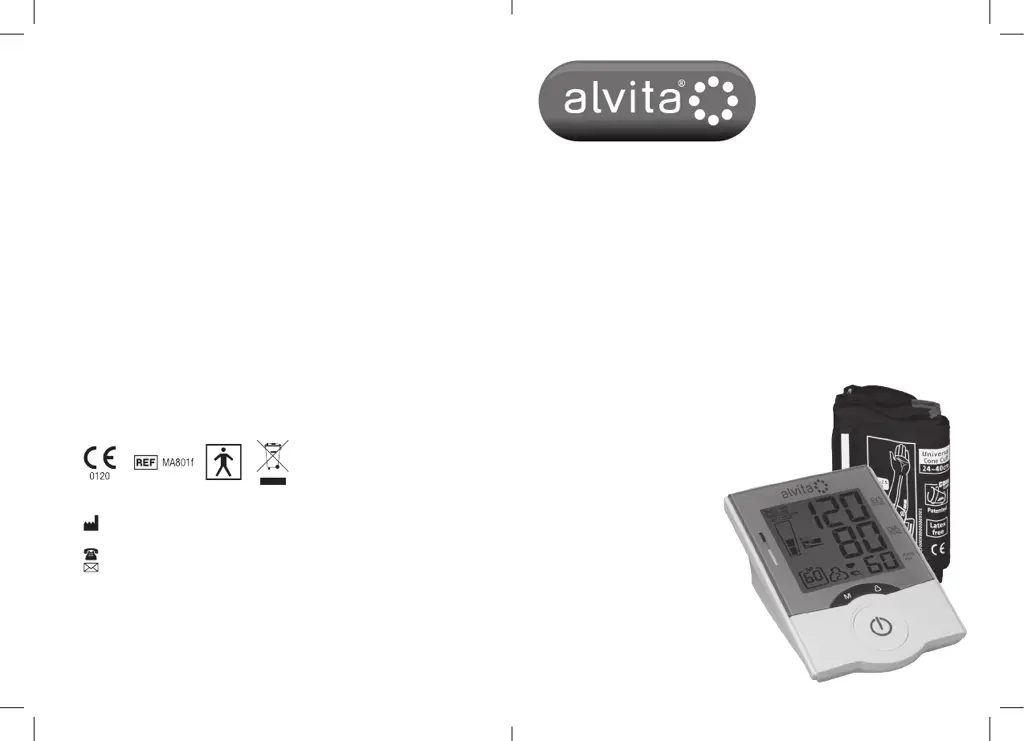
alvita Advanced - User Manual

alvita Advanced
56 pages
Print Icon
To Next Page IconTo Next Page
Loading...
3
Blood Pressure Arm Monitor –
Advanced
Tensiomètre de bras – avancé
Oberarm-Blutdruckmessgerät Pro
Sfigmomanometro da Braccio –
Advanced
Tensiómetro de brazo – Advanced
Tensiómetro de Braço –
Advanced
Rossmax Swiss GmbH, Tramstrasse 16, CH-9442 Berneck, Switzerland
Alvita
®
UK, 43 Cox Lane, Chessington, Surrey KT9 1SN
Alvita
®
France, (tel. +33 1 40 80 19 80)
Alvita
®
Kundenservice Deutschland, Telefon 0800-1258482
Alvita
®
Italia, Numero verde 800-094242
Alvita
®
España, Av. Verge de Montserrat, 6 08820 El Prat de Llobregat, Barcelona
info@alvita.es
Alvita
®
Portugal, Rua Eng. Ferreira Dias, 728 - 3º Piso Sul – 4149 014 Porto
(tel. 22 532 24 00)
ALV4724/0

Questions and Answers

  • K
    Kelly AdamsAug 1, 2025
    Why alvita Advanced Blood Pressure Monitor doesn't turn on?
    • A
      Andrea PayneAug 2, 2025
      If there is no display when you press the ON/OFF/START button on your alvita Blood Pressure Monitor, the batteries may have run down. Replace them with new batteries. Also, check if the batteries' polarities have been positioned incorrectly and re-insert the batteries in the correct positions.
  • M
    Michael RodriguezAug 6, 2025
    What to do if alvita Blood Pressure Monitor displays EE mark?
    • M
      mcontrerasAug 6, 2025
      If you see an EE mark on the display or the blood pressure value is displayed excessively low or high on your alvita Blood Pressure Monitor, make sure that you wrap the cuff properly so that it is positioned correctly. Also, measure again and keep your arm steady during measurement, avoid talking or moving.
  • L
    Lisa PalmerAug 10, 2025
    How to fix EE error on alvita Blood Pressure Monitor?
    • A
      Andrew FosterAug 10, 2025
      If your alvita Blood Pressure Monitor shows 'EE / Measurement Error', make sure the L-plug is securely connected to the air socket and measure again quietly. Wrap the cuff correctly and keep your arm steady during measurement. If the error keeps occurring, return the device to your pharmacist.
  • S
    scott40Aug 15, 2025
    What to do if alvita Advanced Blood Pressure Monitor displays E1 error?
    • T
      Tonya LawrenceAug 15, 2025
      If your alvita Blood Pressure Monitor shows 'E1 / Air Circuit Abnormality', make sure the L-Plug is securely connected to the air socket on the side of the unit and measure again quietly. If the errors still occur, return the device to your pharmacist for help.
  • C
    charles93Aug 19, 2025
    What does E2 error mean on alvita Blood Pressure Monitor?
    • D
      Deanna HernandezAug 19, 2025
      If your alvita Blood Pressure Monitor displays 'E2 / Pressure Exceeding 300 mmHg', switch the unit off and measure again in the appropriate conditions described above. If the error keeps occurring, return the device to your pharmacist.
  • C
    calvin85Aug 23, 2025
    How to resolve E3 data error on alvita Blood Pressure Monitor?
    • S
      Sally BurnsAug 23, 2025
      If your alvita Blood Pressure Monitor displays 'E3 / Data Error', remove the batteries, wait for 60 seconds, and reload. If the error keeps occurring, return the device to your pharmacist.
  • C
    carlos56Aug 27, 2025
    What does Er error mean on alvita Blood Pressure Monitor?
    • D
      Dr. Andrea JordanAug 27, 2025
      If your alvita Blood Pressure Monitor displays 'Er / Exceeding Measurement Range', measure again in the appropriate conditions described above. If the error keeps occurring, return the device to your pharmacist.

Summary

Introduction

Product Features

Using Your Alvita Blood Pressure Monitor

How to Apply the Cuff

Step-by-step instructions for correctly fitting the arm cuff before measurement.

Measurement Procedures

Details on how to perform a blood pressure measurement using the monitor.

Memory Usage and Clearing

Explains how to recall, store, and clear recorded blood pressure measurements.

Time and Date Adjustment

Guide on setting the correct date and time on the blood pressure monitor.

Battery Installation and Replacement

Instructions for installing and replacing the device's batteries.

Troubleshooting

Specifications

alvita Advanced Specifications

General IconGeneral
TypeUpper Arm
TechnologyOscillometric
DisplayLCD
Irregular Heartbeat DetectionYes
WHO IndicatorYes
Memory60 readings
Average Reading FunctionYes

Related product manuals