EasyManua.ls Logo

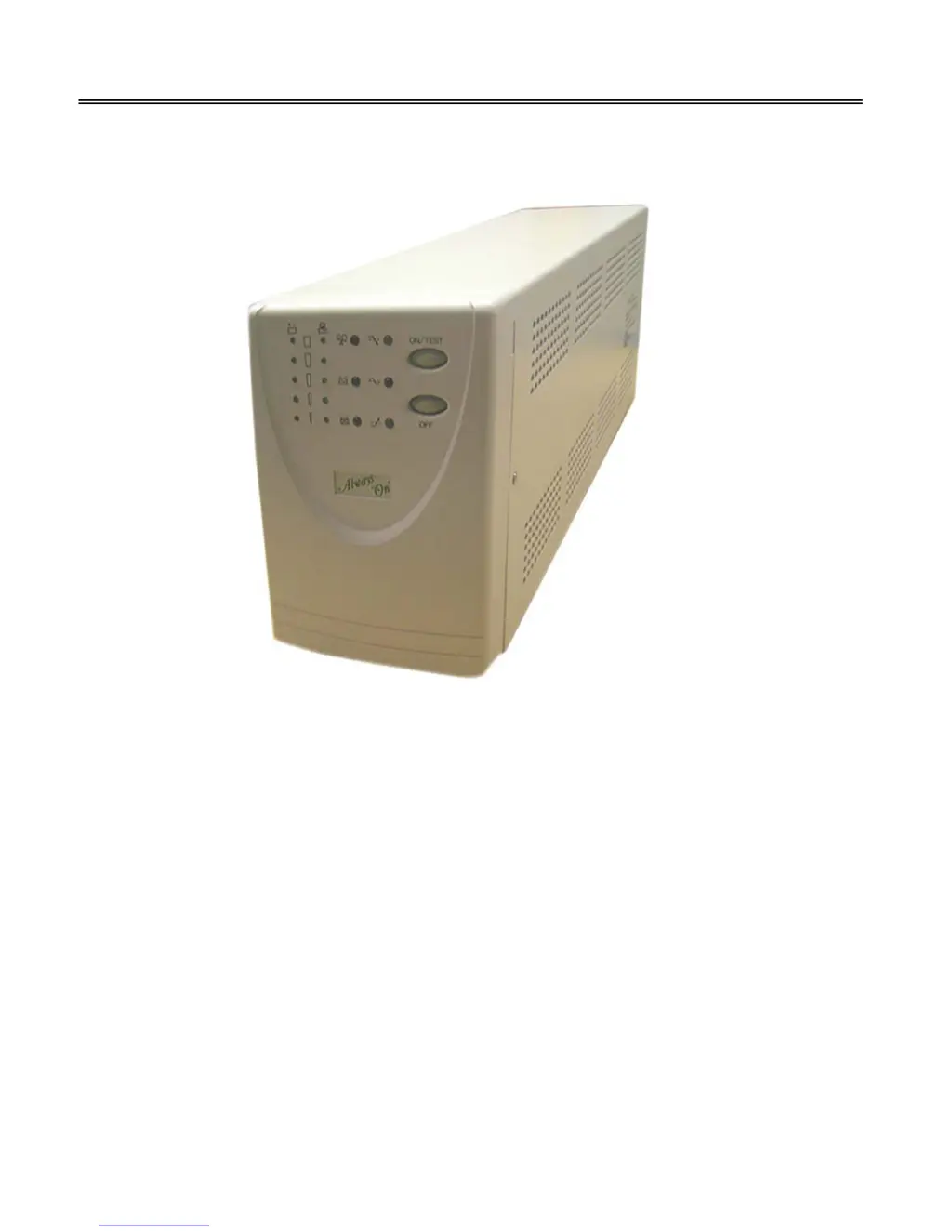
Always On GES-102L - User Manual

Always On GES-102L
22 pages
Print Icon
To Next Page IconTo Next Page
Loading...
Always “On” UPS Systems Inc.
GES L-Series – Single Phase Input, Single Phase Output
Uninterruptible Power Supply
USER MANUAL
Version 1.4
GES-801L, GES-102L, GES-152L, GES-202L, GES-302L
Line Interactive (True Sine Wave):
800VA, 1000VA, 1500VA, 2000VA, 3000VA
Extended Run-Time Battery Banks
Available on All Models

Questions and Answers

  • D
    Diana PhillipsJul 31, 2025
    Why does my Always On UPS go into back-up mode when connected to AC power?
    • B
      Brandi MartinezJul 31, 2025
      Your Always On UPS might switch to back-up mode while connected to AC power due to: * Abnormal utility voltage or frequency. Check the AC power supply. * UPS AC detecting circuit failure.
  • J
    johnsonsaraAug 5, 2025
    What to do if the Always On UPS has no reaction while connected to AC power?
    • N
      nperezAug 5, 2025
      If your Always On UPS isn't responding while connected to AC power, consider the following possible causes: * A fuse or breaker at the back panel may be open. Replace the fuse or switch the breaker on. * There may be no AC input. Check the AC power supply. * There may be a UPS fault. * There may be a battery failure.
  • R
    Rebecca HoAug 11, 2025
    What to do if the Always On UPS battery cannot provide normal back-up power during a blackout?
    • J
      Judy BrownAug 11, 2025
      If your Always On UPS battery isn't providing normal back-up power during a blackout, the issue could be: * The battery has deteriorated. Try charging the batteries and resetting the UPS. * The batteries are not fully charged. Charge the batteries and reset the UPS. * The battery charger is damaged.
  • B
    Brian ClarkAug 18, 2025
    What to do if the Always On UPS has no reaction while AC power is connected, yet starts after pushing power on/off switch?
    • J
      jameslindseyAug 18, 2025
      If your Always On UPS doesn't react while AC power is connected, but starts after using the power switch, the problem could stem from: * A blown breaker at the back panel. Try switching the breaker. * No AC input. Check the AC power. * A failure in the UPS AC detecting circuit.
  • K
    Kayla Kelley DVMAug 25, 2025
    Why does my Always On UPS alarm sound short, fast beeps and shut down after AC is connected?
    • T
      Tiffany Smith MDAug 25, 2025
      If your Always On UPS emits short, fast beeps and shuts down after connecting to AC power, this may be due to abnormal utility power. Check the input power.

Summary

SAVE THESE INSTRUCTIONS

General Safety and Battery Handling

Crucial safety instructions for UPS operation, installation, and battery handling, including electrical shock and disposal warnings.

Safety Instructions

General Operational Safety

Covers general UPS operation, battery handling, voltage risks, and installation environment requirements.

Storage and High Voltage Precautions

Details storage requirements and warnings regarding high voltage risks during maintenance.

Installation

Operation

Powering and Testing the UPS

Instructions for turning the UPS on/off and performing a self-test.

Alarm Silencing and Load Monitoring

Details how to silence alarms and interpret the load bar graph.

Shutdown and Alarm Conditions

Details shutdown mode and the different types of audible alarms (back-up, low battery, overload, replace battery).

Software Options

Battery Replacement

Procedure and Safety Precautions

Step-by-step instructions for replacing UPS batteries, including safety cautions and handling advice.

Troubleshooting

Common Problems and Solutions

Lists common UPS issues, their potential causes, and recommended solutions.

Battery Bank Installation

Specifications

Always On GES-102L Specifications

General IconGeneral
Capacity1000VA / 600W
Output WaveformSimulated Sine Wave
Output Frequency50/60Hz
Outlets4 x IEC outlets
Operating Temperature0°C to 40°C
Input Voltage220/230/240VAC
Output Voltage220/230/240VAC