EasyManua.ls Logo

ALZA choetech BS008 - User Manual

Default Icon
82 pages
Print Icon
To Next Page IconTo Next Page
Loading...
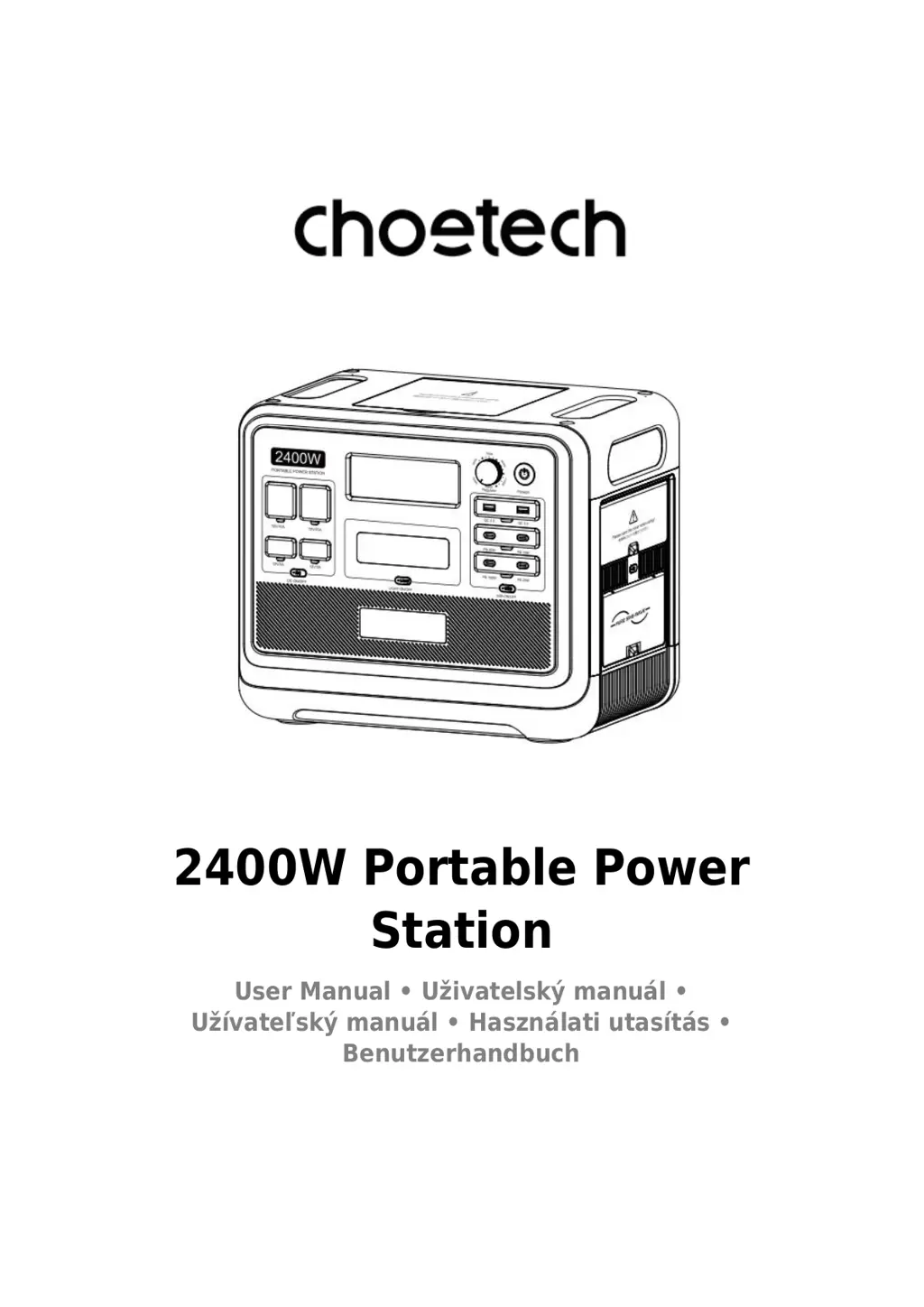
2400W Portable Power
Station
User Manual Uživatelský manuál
Užívateľský manuál Használati utasítás
Benutzerhandbuch

Questions and Answers

  • S
    Susan ScottAug 11, 2025
    What to do if the temperature warning icon flashes and beeps on ALZA choetech BS008 Power Pack?
    • S
      Sean SaundersAug 11, 2025
      If the temperature warning icon flashes and beeps on your ALZA Power Pack, it means the device's temperature is too high or too low. To resolve this, remove the product from charging, disconnect all loads, and power it off. Allow the device to reach a suitable working temperature before turning it back on. This should remove the alarm.
  • W
    Whitney SmithAug 18, 2025
    Why does the output icon flash and beep on my ALZA choetech BS008 Power Pack?
    • M
      Michael BarnesAug 18, 2025
      If the above output icon flashes and beeps on your ALZA Power Pack, it indicates a circuited area. To remove the alarm, address the area corresponding to the icon.
  • R
    Rodney MartinAug 26, 2025
    Why is the AC mains connection icon flashing and my ALZA choetech BS008 won't charge?
    • M
      mary73Aug 26, 2025
      If the icon for connecting to AC mains flashes and the ALZA Power Pack cannot be charged, it means that the overload protection function is enabled or the charging cable is poorly connected.
  • I
    iallenSep 2, 2025
    What to do if the output of ALZA Power Pack exceeds standard and is short?
    • K
      Kristin MartinSep 2, 2025
      If the output of your ALZA Power Pack exceeds the standard and is short, remove the load, and then short press the switch in.

Summary

Precautions For Use

Product Introduction

Button Function Introduction

Interface and Output Controls

Input Ports and Protection Features

Overload Protector Reset

Procedure to restore AC input function after overload protection is triggered.

Introduction of Display Interface

Troubleshooting

UPS Mode

UPS Feature Description

Explains the uninterruptible power supply function and its operational precautions.

Connection of Solar Panels

Car Charging

Product Specifications

Technical Specifications Overview

Comprehensive list of technical details for the power station, including dimensions, capacity, and output ratings.

Battery Specifications

Battery Details

Specifics regarding the battery type, voltage, capacity, and cycle life.

Warranty Conditions

ALZA choetech BS008 Specifications

General IconGeneral
BrandALZA
Modelchoetech BS008
CategoryPower Pack
LanguageEnglish