10
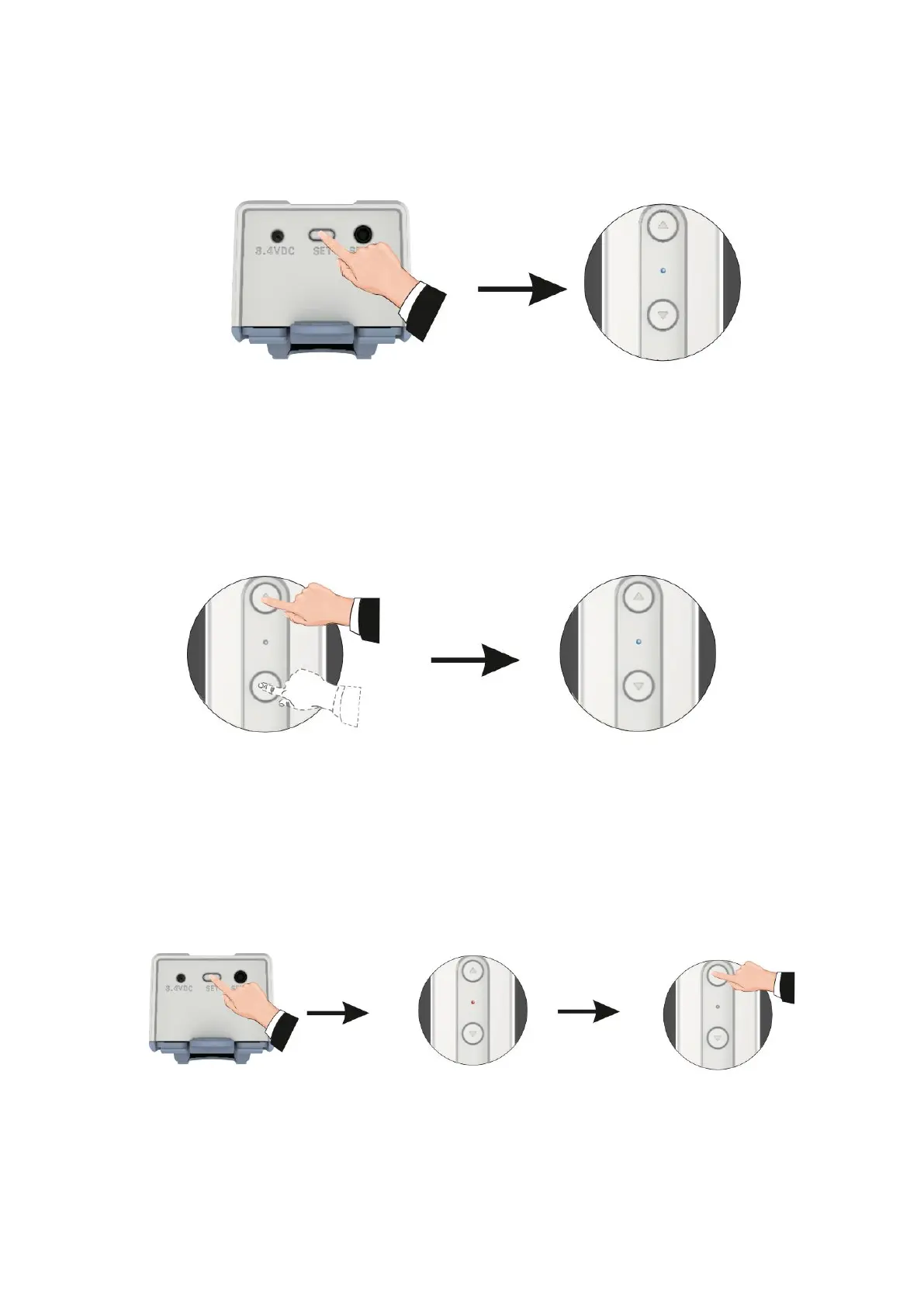
Functions Tilt and Lift
Changing Directions
Setting Upper Limits: Motor Automatic Shutdown After 30
Minutes of Receiving Orders
Press the setting button five times, with
each press lasting no longer than one
second.
The blue indicator flashes three times to
signal the completion of the conversion
process.
Note: Default mode is tilt mode.
Press the up and down button at the
same time for three seconds.
Blue indicator will flash three times after
the change of direction is done.
Press the settings button for three
seconds to enter the settings mode.
Pressing the Up button
activates the limit setting
mode.



 To Next Page