APPENDIX E: EtherNet/IP
TM
COMMUNICATIONS
IS-300CR INVERTER POWER SUPPLY
990-418 E-29
Screen Data and Weld Control
To read and write the weld screen data and/or weld schedule data, refer to the next two sections for the
steps and tags required to populate the read request and the write update.
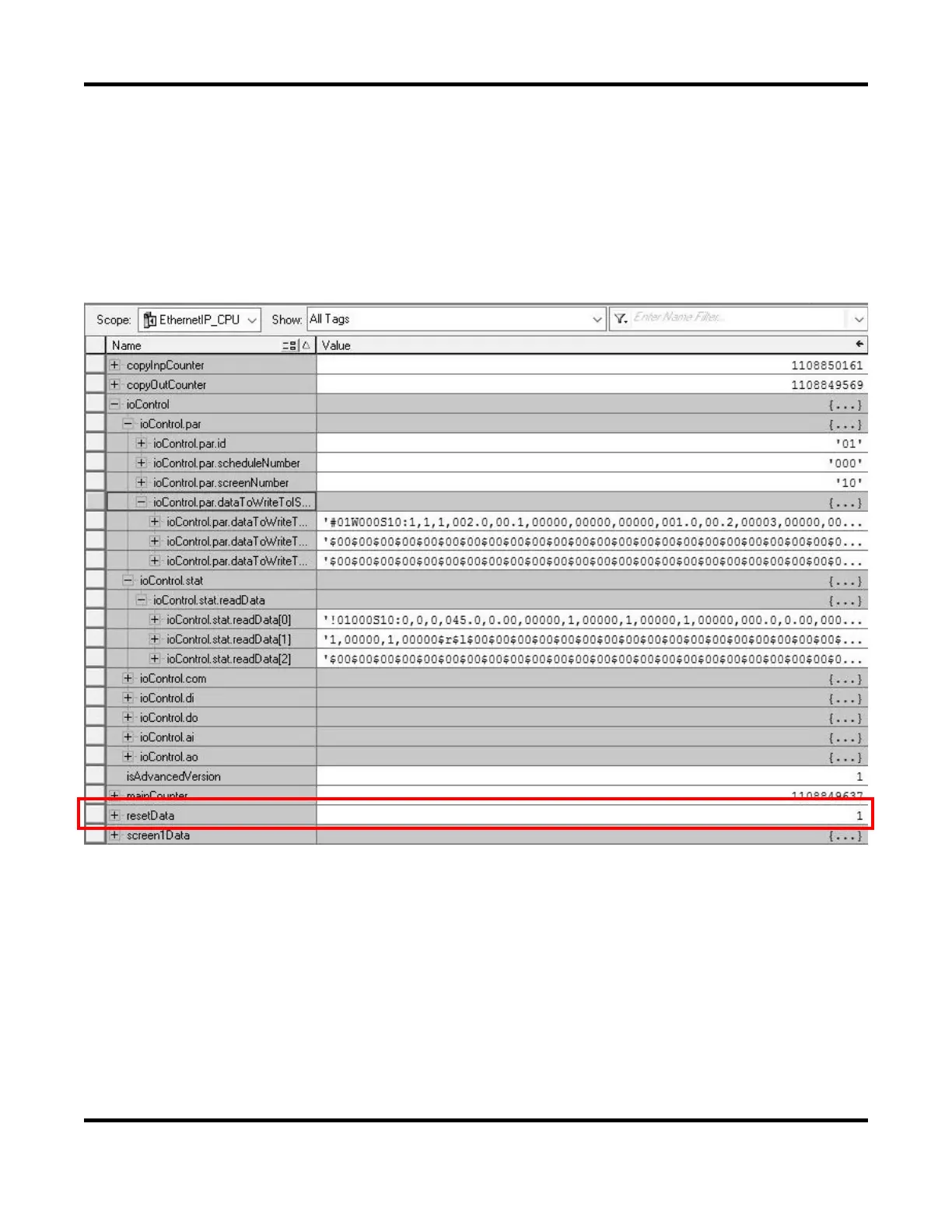
It is recommended the PLC program initialize/reset the data on PLC program startup before performing
a read and write request of the serial data. To reset/initialize the data, the PLC program must set the
controller tag resetData = 0 to initiate a reset request. Once the PLC data gets initialized/reset, the
‘resetData’ will automatically toggle back to 1
Reading of Screen Data from the IS-300CR
To read screen data, the user must first specify the screen number and schedule number to read with the
read request flag set to 1.
For example, to read screen data #1 from schedule #1, user must populate the controller schedule, screen
number tags below with these requested values and set the read request flag to 1.
ioControl.par.id = ‘01’ (this is always hardcode = 1 since there is only device #1 of IS-300CR)
ioControl.par.scheduleNumber = ‘001’
ioControl.par.screenNumber = ‘01’
ioControl.com.readFromIS800 = 1


 To Next Page
 Loading...