CHAPTER 3: USING PROGRAMMING FUNCTIONS
IS-300CA INVERTER POWER SUPPLY
3-54 990-418
For example, when SUCCESSIVE for SCHEDULE 1, 2, 5, and 6 are ON, the welding is
performed singly in order of SCHEDULE 1 → SCHEDULE 2 → SCHEDULE 5 → SCHEDULE
6 each time the start signal (1ST and 2ND) is input. The CHAINING setting has a priority to the
SUCCESSIVE setting.
n. FORGE DELAY
The forge force function can be used. The forge valve can be used at the given timing (the head
force can be changed) except the valve selected in VALVE #. Set the timing to output the forge
force. Operation differs according to the VALVE MODE setting on the MODE SELECT screen.
When VALVE MODE is 1 VALVE
The forge valve operates from the end of SQD through the forge delay time elapses.
When VALVE MODE is 2 VALVE
The forge valve operates from the beginning of WE1 through the forge delay time elapses.
Valid only when FORGE MODE is set to ON.
o. FORGE MODE
The forge force function can be used. The forge valve can be used at the given timing (the
head force can be changed) except the valve selected in VALVE #. Set whether or not to use
the forge force.
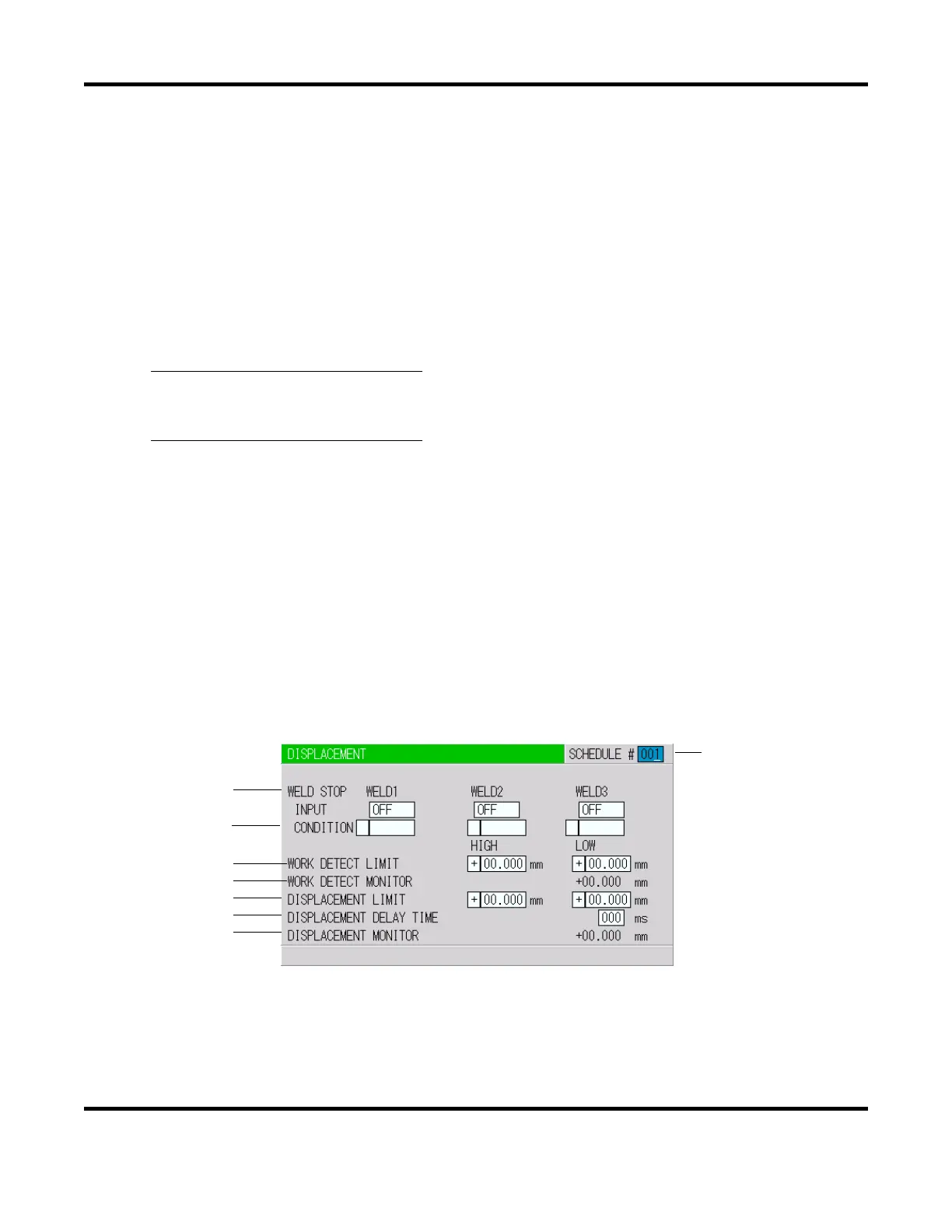
17. DISPLACEMENT Screen
This screen is used to make a measurement using a displacement gauge and set the weld stop
function.
a. SCHEDULE #
Select from #001 to #255 to set the SCHEDULE. Normally select #001 first, then select
additional schedules in sequential order.
(a)
(b)
(c)
(d)
(e)
(f)
(g)
(h)


 To Next Page
 Loading...