EasyManua.ls Logo

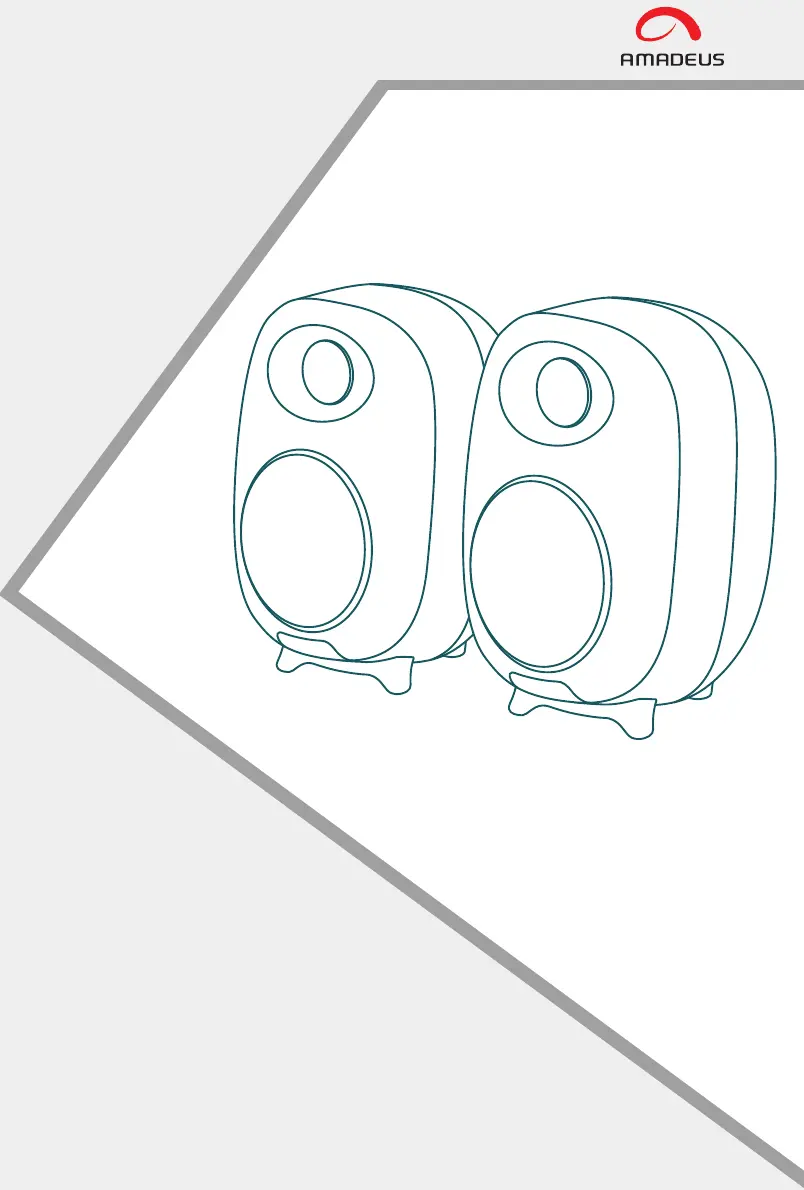
amadeus AHARMONY - User Manual

amadeus AHARMONY
38 pages
Print Icon
To Next Page IconTo Next Page
Loading...
AHARMONY

Questions and Answers

  • T
    Tina HoustonAug 5, 2025
    What to do if my amadeus AHARMONY Speakers have no sound?
    • M
      Michael KingAug 5, 2025
      If your amadeus Speakers produce no sound, first, check if the power indicator is ON. Then, increase the volume using the master volume control or the remote. Also, ensure the audio cables are firmly connected and the input is correctly set on the speakers. Finally, verify that the audio source is outputting a signal.
  • L
    Laura AtkinsonAug 21, 2025
    Why I cannot connect to amadeus AHARMONY Speakers via Bluetooth?
    • R
      robert01Aug 21, 2025
      If you cannot connect to your amadeus Speakers via Bluetooth, ensure the speaker is switched to Bluetooth input, as pairing is impossible in other audio input modes. If issues persist, disconnect from any Bluetooth device by long pressing the “ ” button in Bluetooth mode and try again. Also, remember that the effective Bluetooth transmission range is 10 meters, so keep your device within this range. If the problem continues, try connecting with another Bluetooth device to determine if the issue is with the original device or the speaker.

Summary

Box Contents

System Components

Lists all items included in the product packaging.

LED Indicators and Button Introduction

Speaker Interface Overview

Describes the active speaker's controls and indicators.

Connection Mode Indicators

Explains status lights for Bluetooth, Optical, Line in, and Coaxial connections.

Know Your Remote

Remote Control Functions

Detailed explanation of each button on the remote control.

Connection Diagram

Cable Connections Explained

Visual guide and description of all audio and power cable connections.

Connecting with a TV

TV Connection Methods

Instructions for connecting the speakers to a TV via Optical, RCA, or Coaxial cables.

Setting PCM on TV

Guide to configure TV audio output for optimal sound.

Connecting a Bluetooth Device

Bluetooth Pairing and Playback

Steps to connect a Bluetooth device and play audio wirelessly.

Specifications

Technical Details

Provides key technical specifications like power output and frequency response.

Troubleshooting

Common Issues and Solutions

Addresses problems like no sound or Bluetooth connectivity issues.

WEEE Information

amadeus AHARMONY Specifications

General IconGeneral
Brandamadeus
ModelAHARMONY
CategorySpeakers
LanguageEnglish

Related product manuals