EasyManua.ls Logo

Amano PiE Series - User Manual

Default Icon
56 pages
Print Icon
To Next Page IconTo Next Page
Loading...
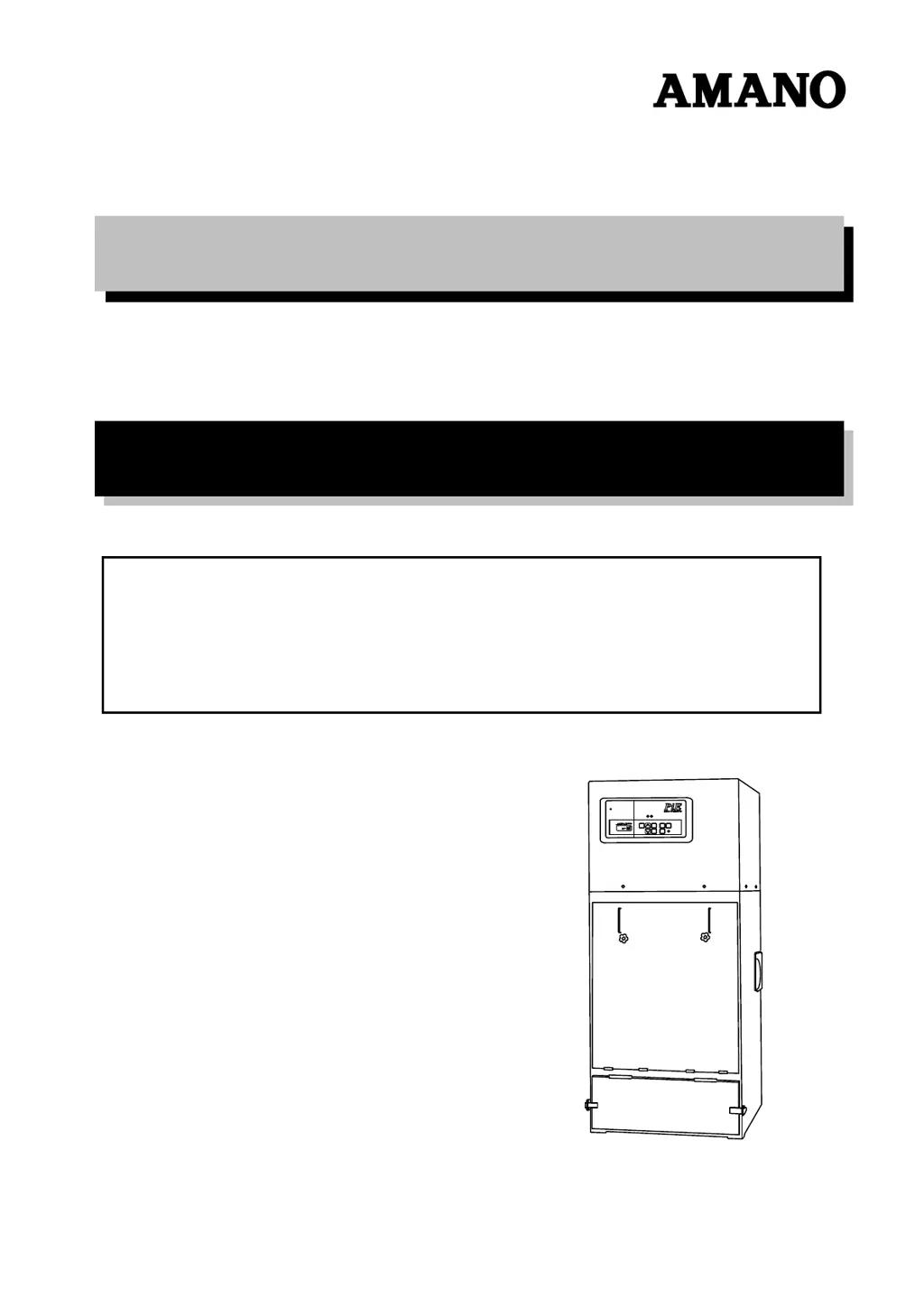
OPERATION MANUAL
INTELLIGENT DUST COLLECTOR
PiE SERIES
IMPORTANT
Do not operate this dust collector before reading this manual.
Only those who fully understand the contents of this manual should operate this dust collector.
Carry out daily and periodic inspections, observing all operation and maintenance instructions
given in this manual.
Observe all applicable laws regulation regarding the installation and maintenance of the dust
collector.
2014.7

Questions and Answers

  • W
    weissjaredAug 13, 2025
    Why is my Amano Dust Collector suction force inadequate?
    • J
      Jesus LoganAug 13, 2025
      Inadequate suction force in your Amano Dust Collector can occur due to several reasons: a clogged filter (remove the filter dust by pulse jet), a clogged suction port, hose, or duct (remove the dirt and dust), an open filter inspection door (close the door), an expired filter (replace it), a bucket filled with collected dust (empty it), or a lower than specified voltage from the power source (check the power supply voltage).
  • G
    Gregory RodriguezAug 16, 2025
    What to do if Amano PiE Dust Collector doesn't turn on?
    • S
      Sonia FrenchAug 17, 2025
      If your Amano Dust Collector doesn't turn on after pressing the start switch, the issue might be due to a disconnected power cord (replace the power cord), no power application (check the power supply source), or a power failure (wait for power recovery).
  • Z
    zacharygatesAug 20, 2025
    How to fix dust leaking from Amano Dust Collector exhaust port?
    • A
      Andrew ChapmanAug 20, 2025
      If you notice dust leaking from the exhaust port of your Amano Dust Collector, it could be due to a broken or damaged filter (replace the filter) or defects in the filter installation (re-install the filter correctly).
  • T
    Todd MunozAug 25, 2025
    What to do if my Amano PiE Dust Collector stops suddenly?
    • J
      Joseph MorrisAug 25, 2025
      If your Amano Dust Collector stops suddenly during operation, it could be due to the thermal relay tripping because of a drop in power supply voltage (stabilize the power supply voltage and reset the thermal relay) or a power failure (wait until the power is recovered).
  • D
    Dr. Jacob AdamsAug 28, 2025
    Why Amano PiE makes an unusual sound?
    • E
      Emily SmithAug 28, 2025
      An unusual or abnormal sound from your Amano Dust Collector could be due to single phase operation because of a broken power cord. Replace the power cord to resolve this issue.
  • S
    Samuel LeeSep 1, 2025
    Why does my Amano PiE immediately stop after starting?
    • A
      Adam BaxterSep 1, 2025
      If your Amano Dust Collector immediately stops after starting, the thermal relay may have tripped because the filter inspection door is open, or due to other causes. Find and remove the cause for the thermal relay trip, and then reset the relay.
  • K
    karenstaffordSep 4, 2025
    What causes vibration, abnormal sound or odor in Amano PiE Dust Collector?
    • S
      Shawn LarsenSep 4, 2025
      Vibration, abnormal sounds, or odors coming from your Amano Dust Collector may indicate faults in the motor or fan. Turn off the power and carry out an inspection.
  • T
    Timothy HillSep 8, 2025
    How to stop fan pulsing in Amano PiE Dust Collector?
    • R
      Rebecca RussellSep 8, 2025
      Fan pulsing (surging phenomenon) in your Amano Dust Collector is caused by operating under insufficient air flow. Keep increasing air flow until the pulsation disappears.

Summary

OPERATION MANUAL

IMPORTANT SAFETY INSTRUCTIONS

Key safety guidelines to follow before operating the dust collector, emphasizing reading the manual.

Important Information on Safety

Safety Symbols and Their Meanings

Explanation of danger, warning, and caution symbols and their implications.

INTRODUCTION

1. FOR SAFE OPERATION

Prohibited Materials and Hazardous Areas

Lists materials not to suck and hazardous areas to avoid for safety.

Electrical Safety Precautions

Guidelines for safe electrical handling, grounding, and cable use to prevent shock.

Fire and Explosion Prevention

Measures to take in case of fire or dust explosion and general cleaning for fire prevention.

CAUTIONARY OPERATING GUIDELINES

Lists materials to avoid, protective clothing, and operational hazards like blocked ports or motor stops.

2. STRUCTURE AND NAMES OF COMPONENTS

Body Component Identification

Diagram and labels identifying the main parts of the dust collector body.

Control Panel Overview and Functions

Description of control panel lamps, message window, and key-switch functions.

Key-Switches and Lamps on Control Panel

Detailed explanation of each key and lamp on the control panel and their specific functions.

3. PREPARING FOR OPERATION

General Installation Precautions

Important warnings and advice before using the dust collector to ensure performance and safety.

Installing Ducting

Instructions for connecting the dust source to the suction port using ducts or hoses, including precautions.

Connecting the Power Supply

Step-by-step guide for safely connecting the dust collector to a 3-phase power supply, including grounding.

Connecting the Compressed Air Supply

Procedure for connecting compressed air to the filter regulator for dust removal, with pressure specifications.

Connecting the Manometer (For J Type only)

Instructions for connecting and using a manometer to measure differential pressure for filter clogging.

Setting for Remote-Operation

Guidance on connecting external wiring for remote operation and required specifications.

4. SETTING THE DATA

Airflow Setting

Procedure to set the desired suction airflow amount for consistent operation.

Setting the Pulse Starting

How to set the filter differential pressure that triggers automatic dust removal (pulse operation).

Setting the Pulse Jet Operation Mode

Selecting the mode for automatic dust removal operation: continuous, differential pressure-based, or manual.

Setting ON TIME

Configuring the duration of the automatic dust removal (pulse) operation.

Setting OFF TIME

Setting the duration of the pause (halt) between automatic dust removal cycles.

Interval Setting

Determining the time interval between consecutive pulse dust removal operations.

End Pulse Setting

Configuring dust removal cycles to run after the dust collector stops operating.

Setting the Pulse Stop Target Differential Pressure

Defining the target differential pressure to automatically stop pulse jet operation.

Setting the Remote Operation

Enabling or disabling remote operation via external signals, with default settings for different models.

Setting the Abnormal Filter Differential Pressure

Specifying the differential pressure threshold for an error alarm indicating filter abnormality.

Other Settings

Overview of additional settings and caution against altering unalterable or sensitive parameters.

5. OPERATION

General Operation Warnings

Critical safety warnings to be read before operating the dust collector, covering prohibited materials and operational risks.

Start and Stop of the Operation

How to start and stop the dust collector using the ON/OFF switches on the control panel.

Screen Display During Operation

Explanation of the information displayed on the message window during normal operation for different model types.

Changing the Display Content

How to cycle through different display items (Air flow, Differential pressure, etc.) on the message window.

Message Display and Error Codes

List of error messages, their causes, and corrective actions, including check lamp indications.

Inspect Lamp Error Displays

Details on error codes (Er09-Er16) triggered by the INSPECT lamp, their causes, and remedies.

Dust Removal from the Filter

Procedure to manually initiate dust removal using the PULSE switch, with safety cautions.

Filter Dust Clogging Severity

Methods to judge filter clogging severity based on differential pressure readings or manometer levels.

Reset of Thermal Relay

Steps to reset the thermal relay in case of motor overload for both M/J and U type models.

6. MAINTENANCE

General Maintenance Warnings

Crucial safety warnings and precautions to follow before performing any maintenance tasks.

Discharging the Collected Dust

Step-by-step guide for safely emptying the dust bucket at the end of each working day.

Inspection and Replacement of Filter

Guidelines for periodic filter inspection, replacement intervals, and procedures for safe removal and installation.

Maintenance of Dust Removal Components

Procedures for draining the filter regulator and header pipe, and maintenance of diaphragm valves.

7. APPENDIX

SPECIFICATIONS

Technical specifications for different PiE models including performance, dimensions, and power requirements.

SERVICE PARTS

List of available service parts, their part numbers, and remarks for ordering.

OUTSIDE DRAWING

Dimensional drawings for PiE-15 and PiE-30 models, showing external views and key measurements.

OUTSIDE DRAWING

Dimensional drawings for PiE-45 and PiE-60 models, showing external views and key measurements.

WIRING DIAGRAM (PIE M type)

Electrical wiring diagram for the PIE M type dust collector, illustrating component connections.

WIRING DIAGRAM (PIE J type)

Electrical wiring diagram for the PIE J type dust collector, detailing component connections.

WIRING DIAGRAM (PIE U type)

Electrical wiring diagram for the PIE U type dust collector, showing system component interconnections.

TROUBLESHOOTING

Guide to common problems, their causes, and recommended remedies for dust collector operation.

PERIODIC INSPECTION TABLE

A schedule for regular inspections covering various components like filters, cords, and motors.

ABOUT DISPOSAL OF THE PRODUCT

Instructions on how to properly dispose of the dust collector in accordance with local regulations.

Amano PiE Series Specifications

General IconGeneral
BrandAmano
ModelPiE Series
CategoryDust Collector
LanguageEnglish

Related product manuals