2) Keep it close to your skin
3) Clean the heart rate sensor
Soak a cotton swab with rubbing alcohol and clean the surface of the sensor on the back
of the device.
Make sure that no debris from the swab is left behind.
Wipe with a dry cloth or tissue.
17. How to add, edit and delete Alarm on the watch?
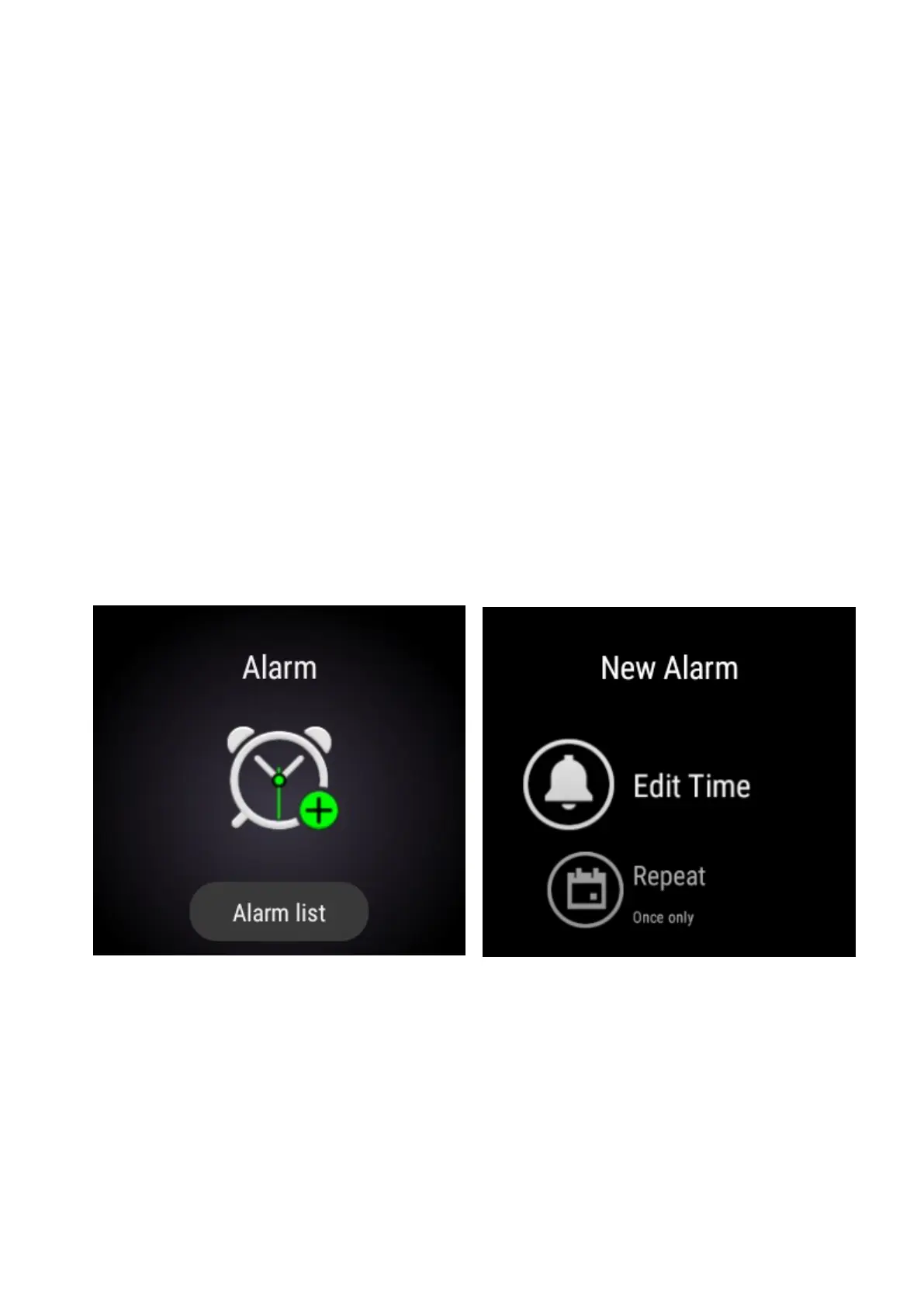
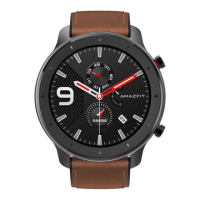
From the home screen of the watch swipe LEFT to access Alarms settings and tap on the
green “+” icon to add a new alarm.
When you add an alarm in the alarm list and set up. It will vibrate and you have two
options: snooze and off.
When you tap snooze, it will vibrate 10 minutes later.
When you tap off, it will stop vibrating.
You can see all the existed alarms in the alarm list where you can edit or delete the alarm
you set.


 To Next Page