It is recommended that you tap Update immediately when your watch receives a system update message.
Control center
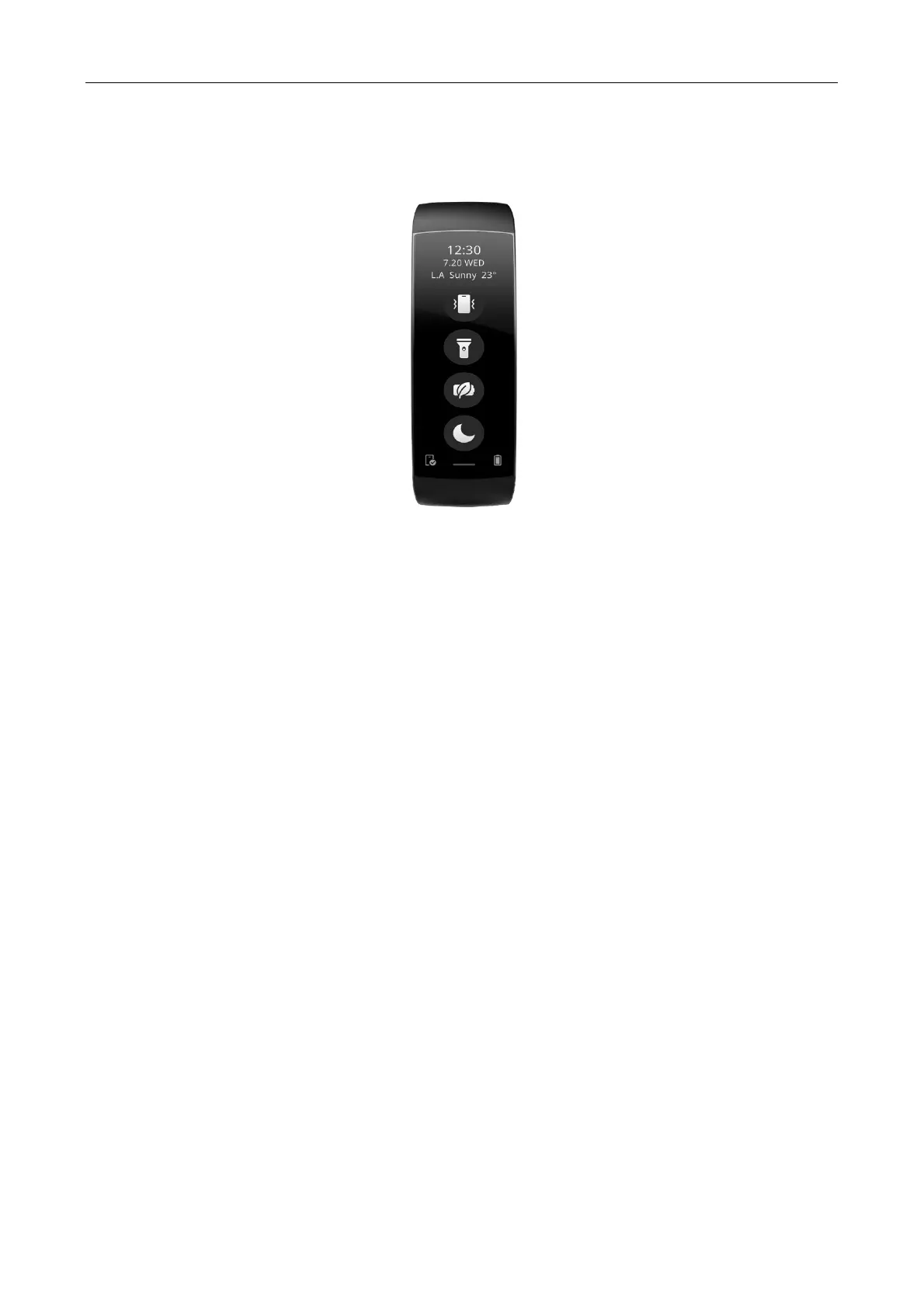
On the watch face page of your watch, swipe down to go to the control center, and use the following system
functions: Find my phone, Flashlight, Power saving mode, and DND.
Time system
Keep the watch connected with your phone. During data synchronization, the watch automatically follows the
system time and time format of your phone, and displays the time in a 12-hour or 24-hour system.
Units
Keep the watch connected with your phone, launch the Zepp app, and choose Profile > More > Settings. Then,
you can set the unit of measurement for distance and weight. During data synchronization, the watch
automatically follows the settings in the app.


 To Next Page