Amazing PDU User Manual Ver. 1.0
5
4. Installation
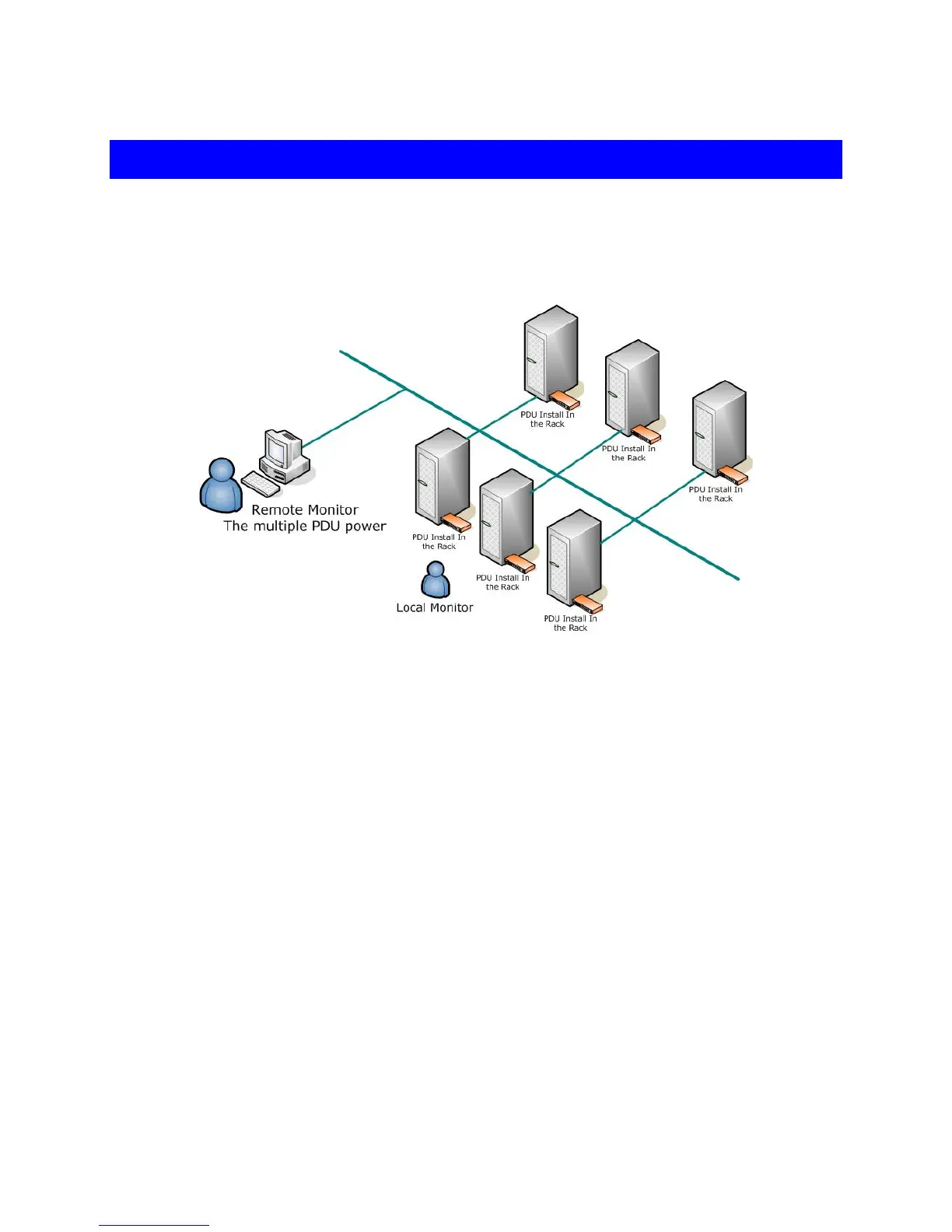
This section will instruct you to quickly install the Amazing PDU.
Diagram
Hardware
1. Install mounting brackets.
The Amazing PDU comes with brackets for mounting in a rack. To mount the
Amazing PDU into a rack performs the following procedure:
I. Attach the mounting brackets to the unit, using the four retaining screws
provided for each of the brackets.
II. Choose a location for the brackets.
III. Align the mounting holes of brackets with the notched hole on the vertical rail
and attach with the retaining screws.
2. Connect input and output power.
3. Connect Ethernet cable to the Amazing PDU.
4. Switch on the Amazing PDU.
Note :
The default setting for IP address of the Amazing PDU is “
192.168.0.216” .


 To Next Page