9
Operation
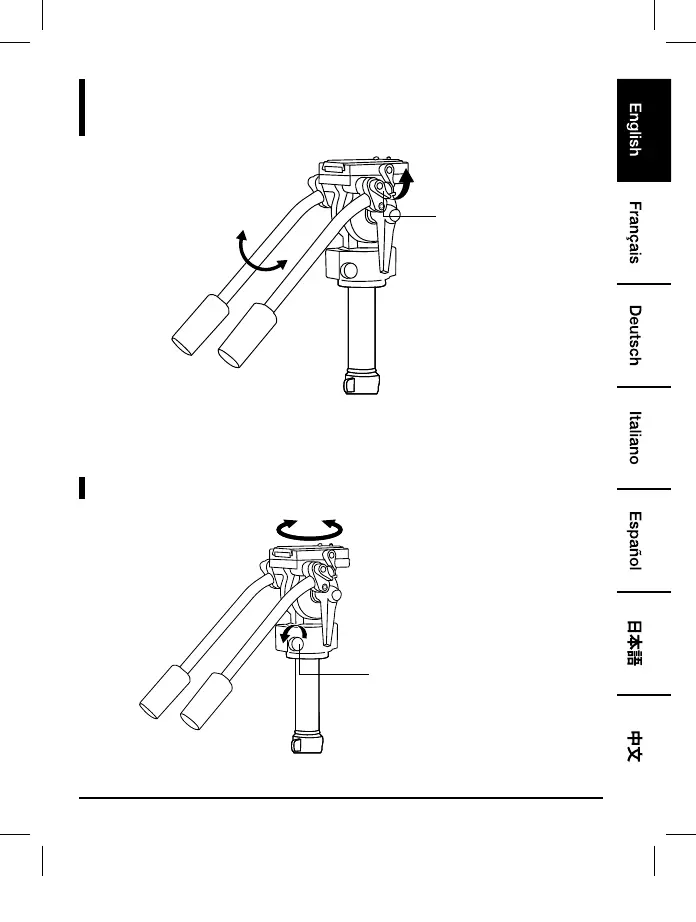
Adjusting Handle Position
Handle knob
• Loosen the respective handle knob and adjust the handle to the desired position. With the teeth
grooves engaged, tighten the handle knob.
Adjusting Camera Panning Angle
Panning angle adjustment knob
• Loosen the panning angle adjustment knob to adjust the angle. Tighten the knob to secure.
B01LW14QNB-67-inch Tripod-02-INT.indb 9 4/7/17 12:03 PM



 To Next Page