5
Setup the Connection between the Receiver and the
Mouse
1. Insert the battery into the mouse, then follow the steps below.
2. In the meantime, to take the nano receiver, open the cover under the mouse.
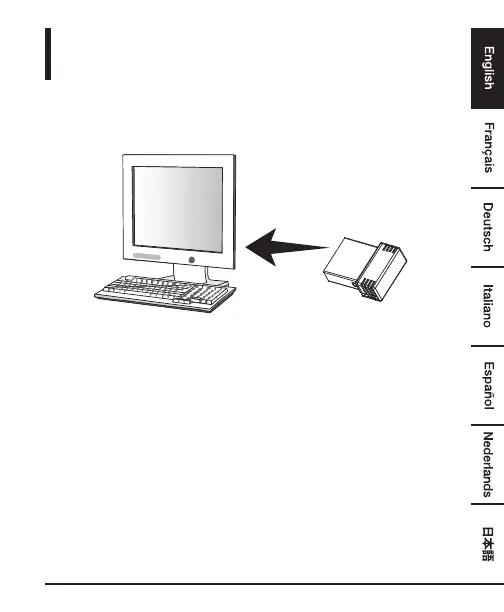
3. Plug the Nano receiver into the USB port on your computer.
4. If the mouse does not work, please put it into pairing mode.
5. Pairing: Re-plug the receiver into the USB port on your computer, then press
the connect button on the mouse. If the mouse does not work after 10
seconds, pair them again. (The receiver has auto pairing function).
6. The LED indicator on mouse flashes steadily when it is in pairing mode and
stops blinking when it is successfully paired with the receiver.
7. When low battery, the battery indicator (DPI key) on the mouse will start to
blink.


 To Next Page