EasyManua.ls Logo

Amber 5500 - Page 33

Default Icon
44 pages
Print Icon
To Next Page IconTo Next Page
To Previous Page IconTo Previous Page
Loading...
Amber
model
5500
Owner’s
Manual
Version
07
2.4
SPECIAL
FUNCTIONS
There
are
several
lesser
used
parameters
that
'
can
be
set
using
SPECIAL
FUNCTIONS.
Ex-
amples
are
dBm
impedance
reference,
cer-
tain
GPIB
functions,
etc.
SPECIAL
FUNCTIONS
are
also
used
for
diagnostic
purposes,
special
programming,
to
override
auto-ranging
and
other
unusual
situations.
The
syntax
for
Special
Function
entry
is
the
special
code
followed
by
the
SPCL
key.
No
prefix
is
required.
Many
special
functions
have
a
two
part
code
separated
by
a
decimal
point.
The
first
part
of
the
code
specifies
the
function
while
the
second
part
of
the
code
the
sub-function,
value,
etc.
For
example,
the
dBm
impedance
can
be
set
using
Special
Function
26.
To
set
a
150
ohm
reference,
enter
26.150
SPCL.
The
following
are
some
of
the
more
commonly
used
special
functions.
2.4.1
WATTS
IMPEDANCE
REFERENCE
The
meter
can
express
the
input
signal
level
as
a
power
reading
by
calculating
a
Watts
value
using
the
measured
input
Voltage
and
a
stored
impedance
reference.
The
default
value
is
8
ohms
but
the
user
can
change
the
stored
reference
to
be
any
value
between
1
and
999
ohms
inclusive.
Use
Special
Func-
tion
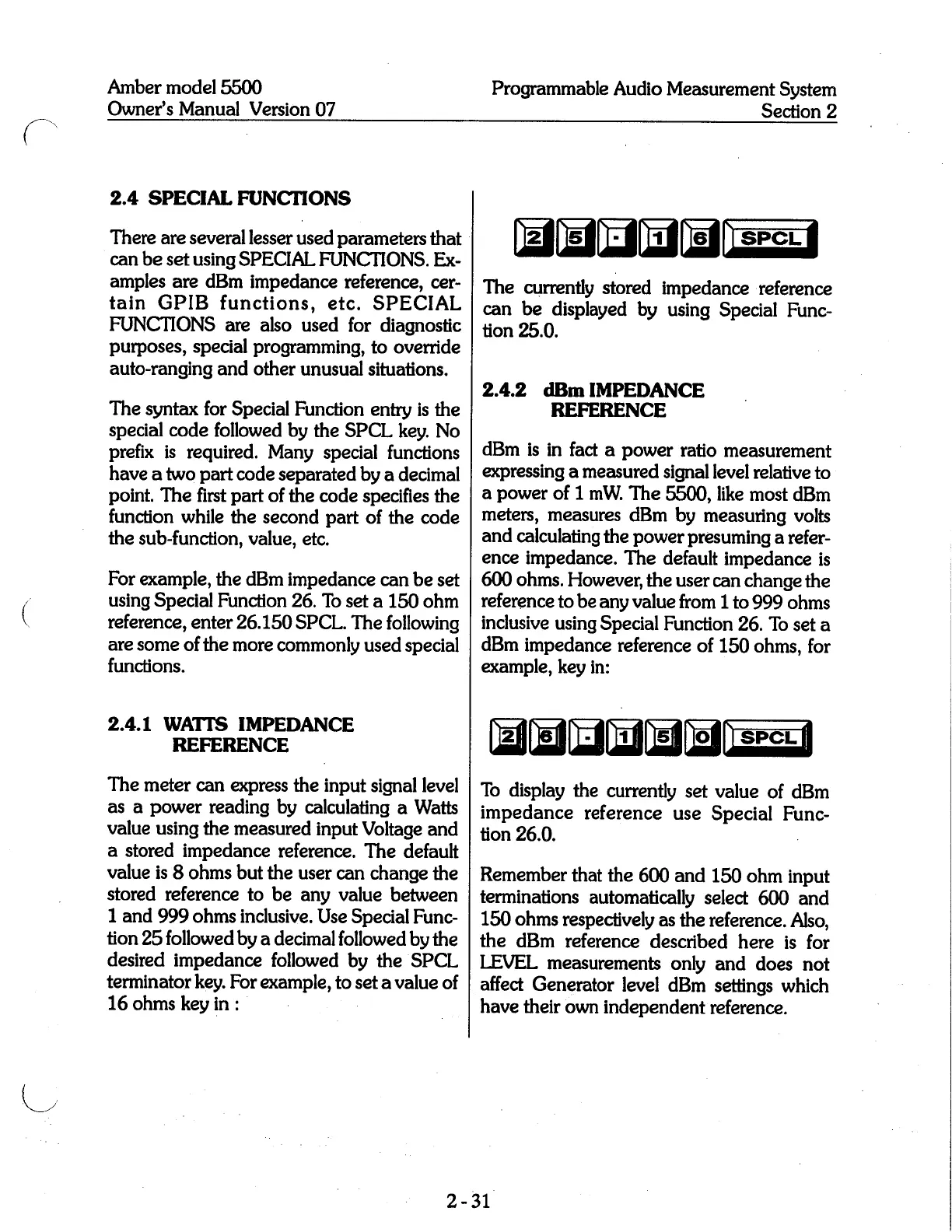
25
followed
by
a
decimal
followed
by
the
desired
impedance
followed
by
the
SPCL
terminator
key.
For
example,
to
set
a
value
of
16
ohms
key'
in:
Programmable
Audio
Measurement
System
Section
2
fifififil-
The
currently
stored
impedance
reference
can
be
displayed
by
using
Special
Func-
tion
25.0.
2.4.2
dBm
IMPEDANCE
REFERENCE
dBm
is
in
fact
a
power
ratio
measurement
expressing
a
measured
signal
level
relative
to
a
power
of
1
mW.
The
5500,
like
most
dBm
meters,
measures
dBm
by
measuring
volts
and
calculating
the
power
presuming
a
refer-
ence
impedance.
The
default
impedance
is
600
ohms.
However,
the
user
can
change
the
reference
to
be
any
value
from
1
to
999
ohms
inclusive
using
Special
Function
26.
To
set
a
dBm
impedance
reference
of
150
ohms,
for
example,
key
in:
fill-m
To
display
the
currently
set
value
of
dBm
impedance
reference
use
Special
Func-
tion
26.0.
Remember
that
the
600
and
150
ohm
input
terminations
automatically
select
600
and
150
ohms
respectively
as
the
reference.
Also,
the
dBm
reference
described
here
is
for
LEVEL
measurements
only
and
does
not
affect
Generator
level
dBm
settings
which
have
their
own
independent
reference.
2-‘31'