Cooking guide
8
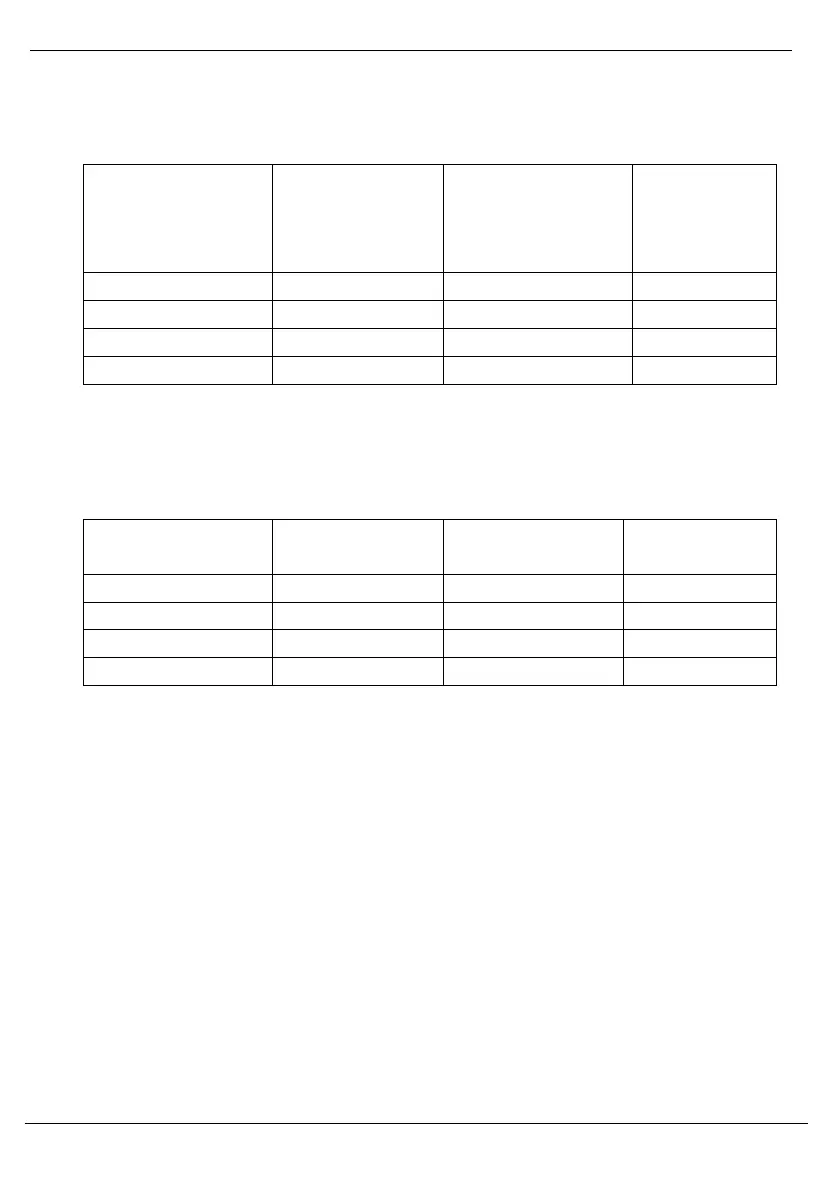
NOTE: The charts below are for reference only. Actual cooking times may vary.
Cooking guide (for white rice)
Amount of rice
(based on
measuring cup
provided)
*NOTE: If desired, add seasonings and oil or butter with rice before adding water.
Broth can be substituted for water. Sauces may be added to the rice after it is
cooked.
Cooking guide (for quinoa and brown rice)
*NOTE: If desired, add seasonings and oil or butter with rice before adding water.
Broth can be substituted for water. Sauces may be added to the rice after it is
cooked.
**Times may vary depending on tenderness desired.
How to steam
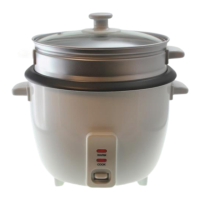
1. Pour water into pot and place pot into the base of the rice cooker.
2. Place steamer insert with desired vegetables into pot and cover with lid.
3. Plug the rice cooker into an outlet. The ‘Warm’ indicator light will
automatically turn on. This starts the heating function.
4. To start steaming the vegetables, press the white button down and the ‘Cook’
indicator light will turn on.
5. NOTE: Although this rice cooker can steam vegetables, it does not have a
separate steam setting. When steaming, it is important to check vegetables
during steaming times as the white cook button may not release by the time
the vegetables are done.


 To Next Page