6
Quick Start
The Ambient Flurry Alarm Clock was designed to make setup quick
and easy. Follow the steps below to start receiving weather updates,
use your alarm, and more:
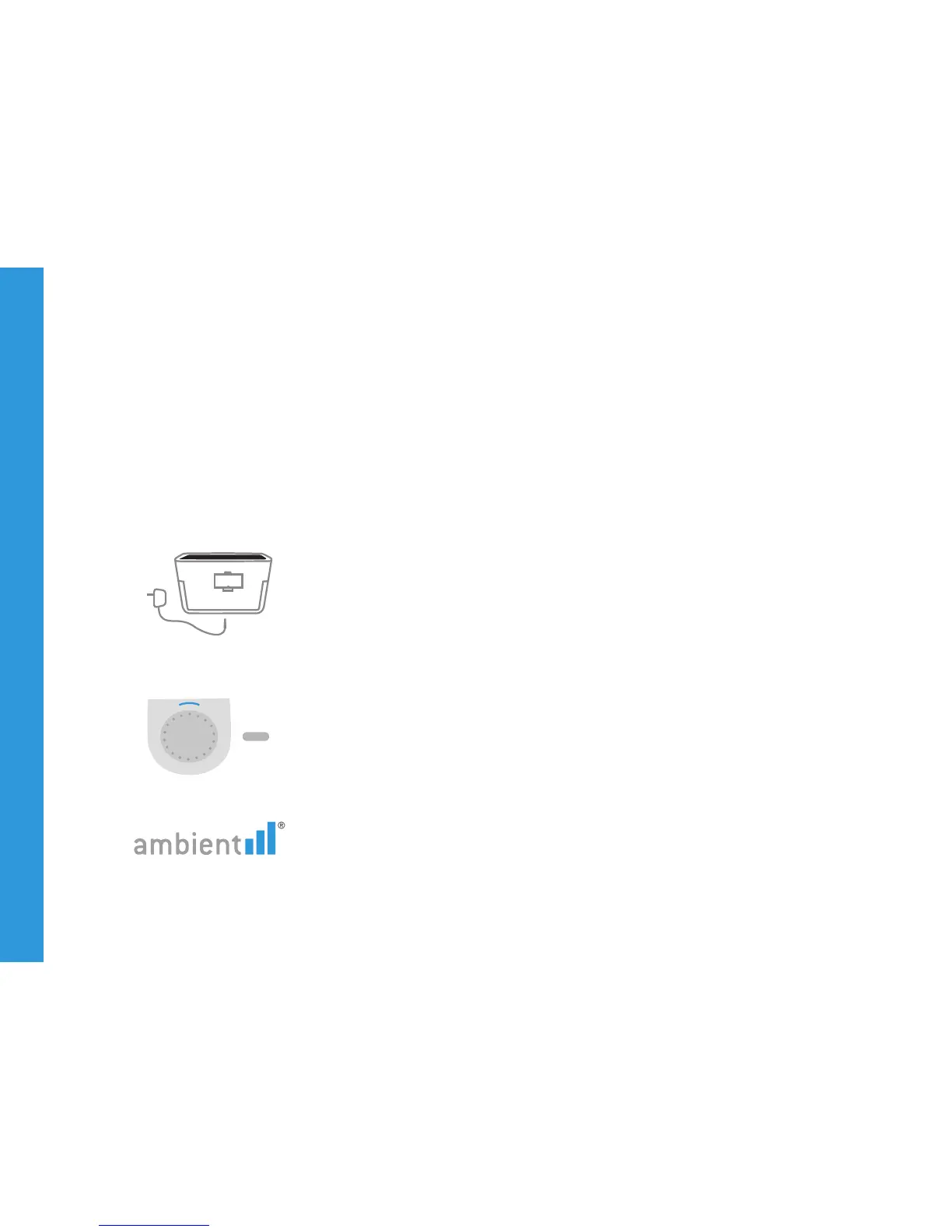
Plug it in. Your device comes with an adapter that plugs into the
wall, and also uses one AA battery for backup power.
Choose your time zone.
• Press Settings button, then use wheel to scroll to ‘SET TIMEZONE’
• Press Settings button
• Scroll to your timezone and press Settings button to confirm
Check your signal strength. In the upper right corner of your
Alarm Clock’s screen, you’ll see up to three bars indicating signal
Quick Start Guide



 To Next Page