AMBIT Microsystems Corporation
Headquarters: 5F-1, 5 Hsin-An Road, Hsinchu
Taipei Branch: 11F,100-1 Min-Chuan Road,
Science-Based Industria Park Taiwan, R.O.C.
Hsin-Tien, Taiwan, R.O.C.
TEL: +886 3 5784975 TEL:+886-2-218 9800
Diagnostics
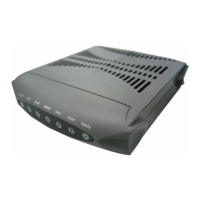
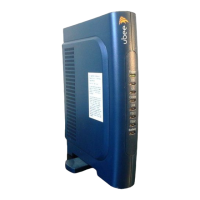
The Ambit Cable Modem has five status LEDs for diagnostics. You can monitor the LEDs during installation and
power on.
Table 1 shows Ambit Cable Modem status LEDs and identifies what each LED light means. This table will help you
to diagnose problems.
Function Color Definition
Power Green - dark for power off
- solid for power on
Cable Green - dark for no downstream RF carrier present or power off
- flashing slowly for downstream RF carrier present and ranging in
progress
- flashing fast for registration in progress
- solid for the Cable Modem registered and ready to transfer
data
PC Green - dark for no Ethernet carrier present or power off
- solid for Ethernet carrier present
Data Green - dark for no user data going through the Cable Modem or power
off
- flashing for user data going through the Cable Modem
Test Amber - dark for initial self-test of the Cable Modem OK or power off
- flashing for initial self-test of the Cable Modem in progress or
software down loading of the Cable Modem in progress
- solid for self-test failure of the Cable Modem
Table 1 Status LEDs



 To Next Page