In daily wear, the watch can detect and record all kinds of
health vitals. The user needs to connect the smartwatch with
Bluetooth on the app and enable it to synchronize.
Note: To prevent data loss, please synchronize the watch at
least once every 7 days.
Synchronize Data
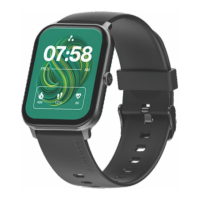
Your Wise Glaze comes with 100+ watch faces for you to choose
from. Once you pick your favorite watch face, your home screen
will display the date, time, week, weather, steps you take,
battery status and connection status. Long press the screen,
swipe to choose and click to confirm.
Custom Watch Faces: Open the app -> Go to Device > Click on
My Faces. Now, choose your desired watch face by clicking on
“More.” Now, click on the “Install” button to apply.
Watch Faces
You can view daily records of steps, distance and calories on
the app as well as on your smartwatch. The data will be cleared
at the end of every day.
NOTE: All records will be available on the app if you keep it
synchronized.
Steps, Distance & Calorie Monitor
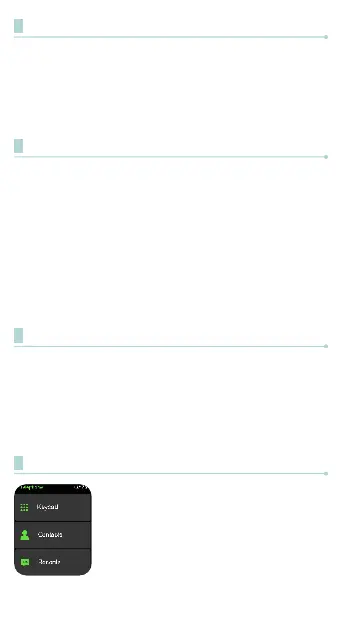
Bluetooth Calling (Phone)
Quick dial any number, and view recent calls
and contacts by clicking on the Phone icon.
To access this function, simply swipe right to
the Shortcut Menu and Click on the Phone
icon.
NOTE: It can store up to 80 contact numbers at
a time.


 To Next Page