EasyManua.ls Logo

AMC DAC9 - Rear Panel Connections; Digital Output: Digital out

AMC DAC9
9 pages
Print Icon
To Next Page IconTo Next Page
To Previous Page IconTo Previous Page
Loading...
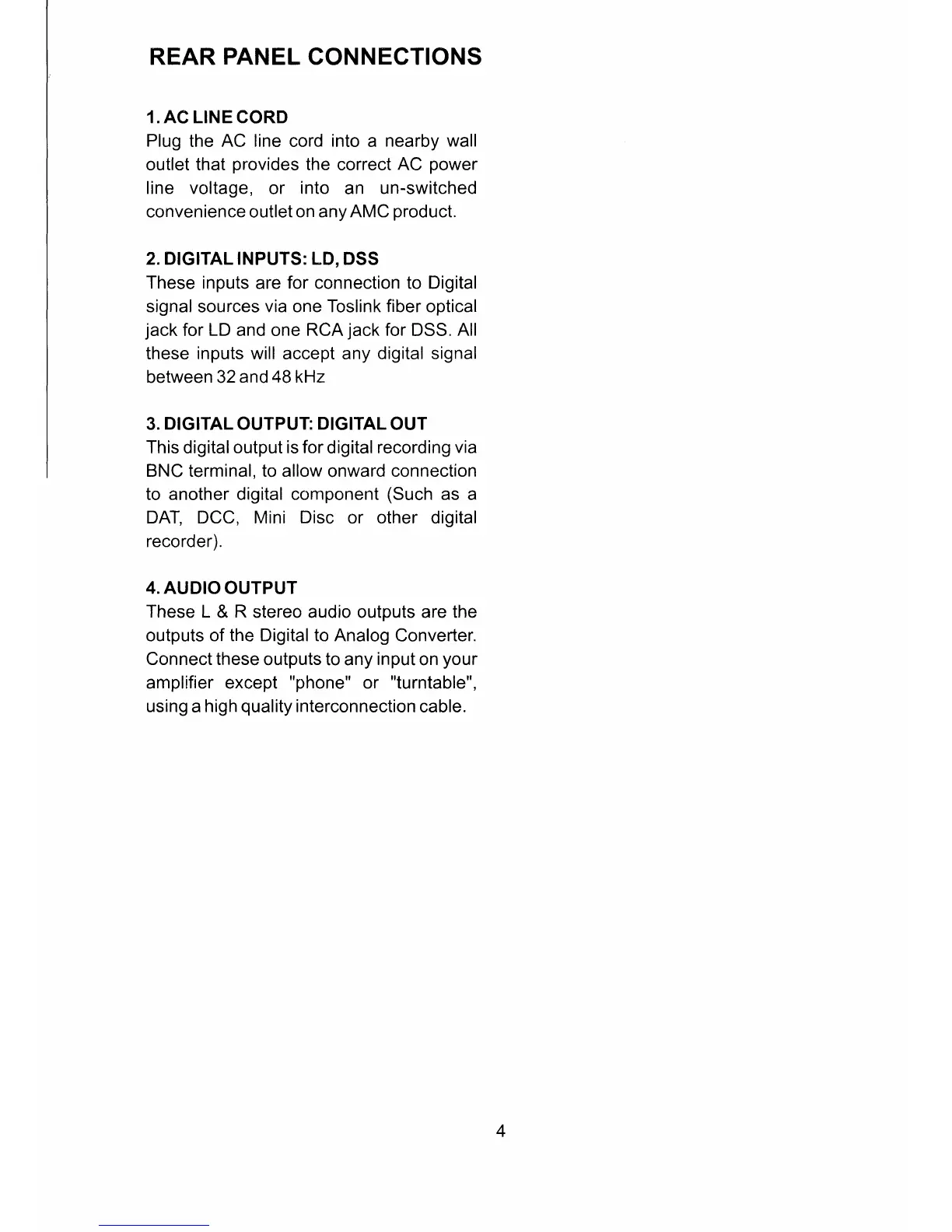
REAR
PANEL
CONNECTIONS
1. AC
LINE
CORD
Plug
the
AC line
cord
into
a
nearby wall
outlet that
provides
the
correct
AC
power
line voltage,
or
into
an
un-switched
convenience outlet on
any AMC
product.
2. DIGITAL INPUTS: LD,
DSS
These inputs
are
for
connection to Digital
signal sources
via
one
Toslink fiber
optical
jack
for
LD
and one
RCA
jack
for
DSS.
All
these
inputs
will accept any digital
signal
between 32
and 48kHz
3.
DIGITAL
OUTPUT:
DIGITAL
OUT
This
digital
output is for
digital
recording
via
BNC
terminal,
to allow
onward
connection
to
another digital component
(Such
as a
DAT, DCC, Mini
Disc
or
other
digital
recorder).
4. AUDIO OUTPUT
These L
&
R
stereo audio outputs are the
outputs of
the Digital to Analog
Converter.
Connect these
outputs to any
input
on
your
amplifier except
"phone"
or
"turntable",
using
a
high
quality
interconnection
cable.
4