4
9
The unit will operate daily according to the timer setting, unless changed.
After a power failure, or after the unit has been unplugged, you will have to program the
timer settings again.
Canceling the Timer Setting
In order to cancel the timer programming press the TIME BUTTON.
Sleep Mode
The SLEEP MODE gradually adjusts the temperature of the unit 4 degrees upward,
over a 3 hour period, to meet the needs of a body at rest.
To activate the SLEEP MODE:
• Ensure the unit is operating in Cool Mode.
• Set the desired starting temperature.
• Press SLEEP MODE button.
• In sleep mode fan will operate in low speed.
• To cancel this function press SLEEP MODE button again.
Shutting Off the Blue Light on Control Panel
Normally there is a blue light on the LCD display. To shut it off, press the UP and DOWN
push buttons at the same time. The blue backlight will blink twice, and after 3 seconds,
will go off.
Pressing any of the push buttons will re-light the blue backlight.
COOLING
FAN
HEAT
Display
08:15 HOURS: MINUTES
75 ºF TEMPERATURE
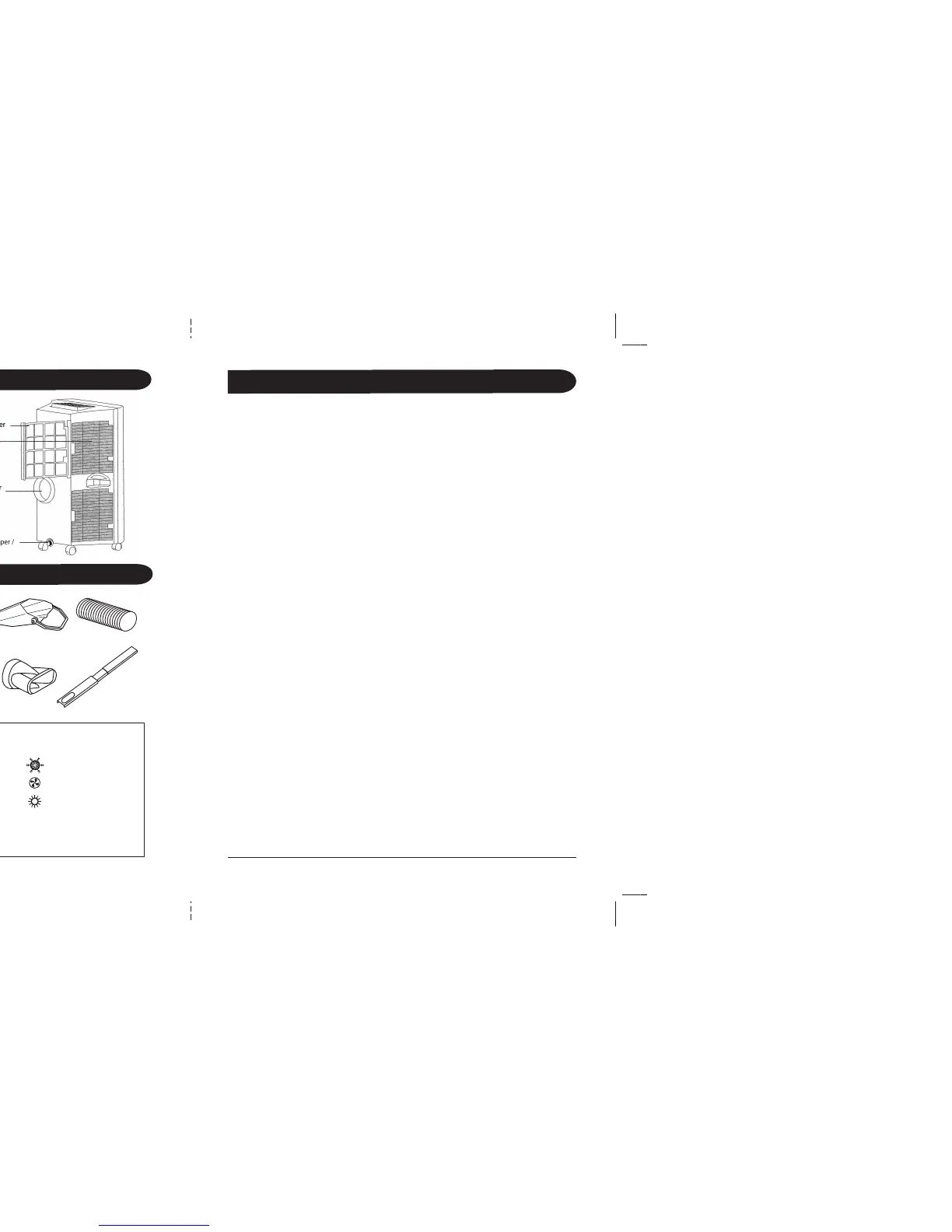
Parts
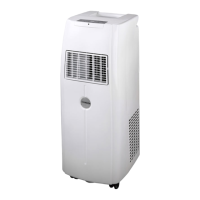
OperationThe PLM Unit
O
N
/
O
F
F
U
P
FA
N
D
O
W
N
Remote Control
Exhaust Hose
Slide Bar
Connector
Adjustable Slide Bar
Insulation Strips
Drain Pan
F
A
N
O
N
/
O
F
F
U
P
S
L
E
E
P
T
I
M
E
M
O
D
E
D
O
W
N
08:15
75
ºF
24:00
00:00
06:00
18:00
12:00



 To Next Page