87
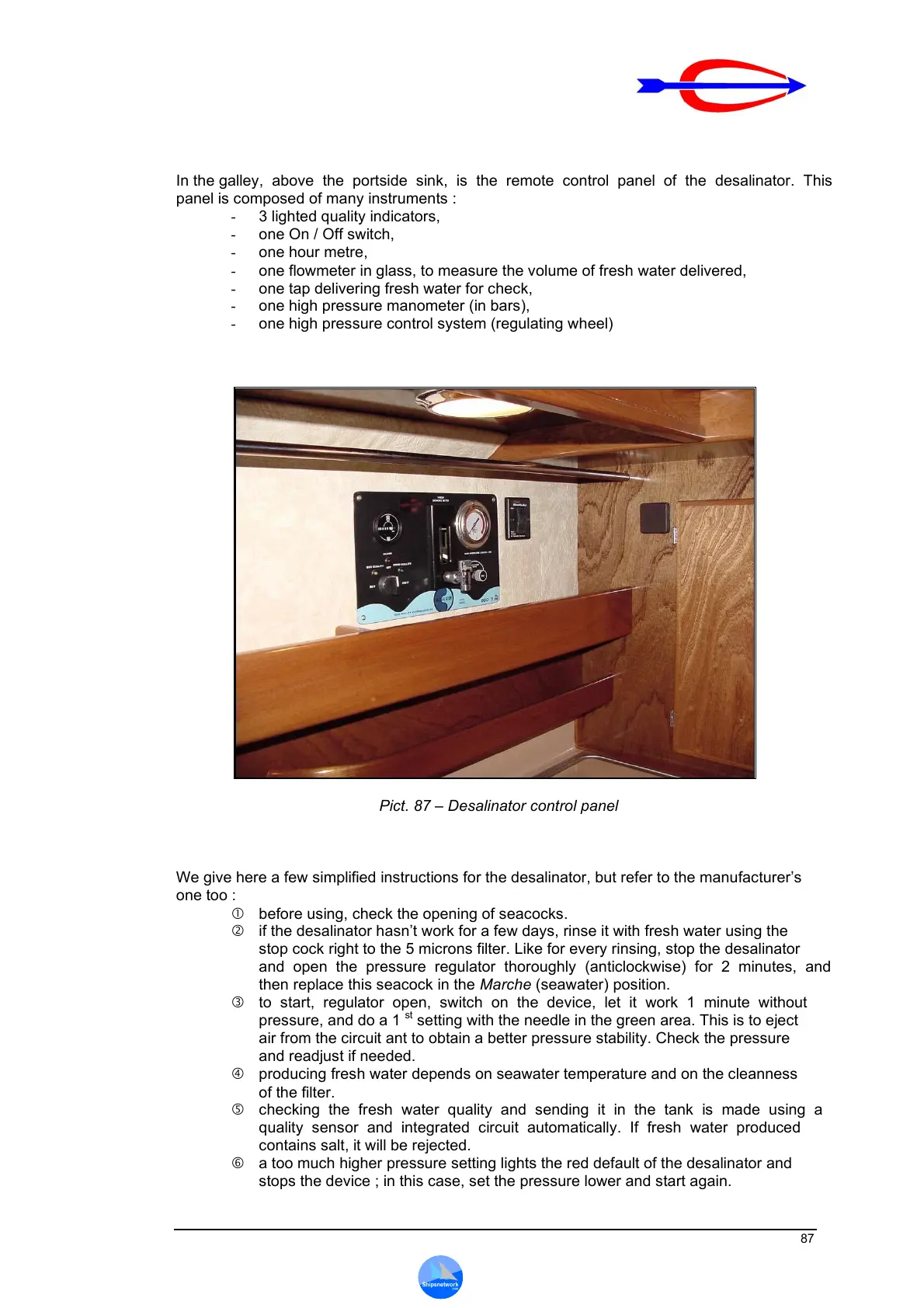
In the galley, above the portside sink, is the remote control panel of the desalinator. This
panel is composed of many instruments :
- 3 lighted quality indicators,
- one On / Off switch,
- one hour metre,
- one flowmeter in glass, to measure the volume of fresh water delivered,
- one tap delivering fresh water for check,
- one high pressure manometer (in bars),
- one high pressure control system (regulating wheel)
Pict. 87 – Desalinator control panel
We give here a few simplified instructions for the desalinator, but refer to the manufacturer’s
one too :
before using, check the opening of seacocks.
if the desalinator hasn’t work for a few days, rinse it with fresh water using the
stop cock right to the 5 microns filter. Like for every rinsing, stop the desalinator
and open the pressure regulator thoroughly (anticlockwise) for 2 minutes, and
then replace this seacock in the Marche (seawater) position.
to start, regulator open, switch on the device, let it work 1 minute without
pressure, and do a 1
st
setting with the needle in the green area. This is to eject
air from the circuit ant to obtain a better pressure stability. Check the pressure
and readjust if needed.
producing fresh water depends on seawater temperature and on the cleanness
of the filter.
checking the fresh water quality and sending it in the tank is made using a
quality sensor and integrated circuit automatically. If fresh water produced
contains salt, it will be rejected.
a too much higher pressure setting lights the red default of the desalinator and
stops the device ; in this case, set the pressure lower and start again.



 To Next Page