SET UP YOUR SMARTWATCH
Our free mobile app is compatible with most iPhones and Android Phones.
A smartphone is required for initial setup as well as call, text, and mobile app notifications.
To Get Started:
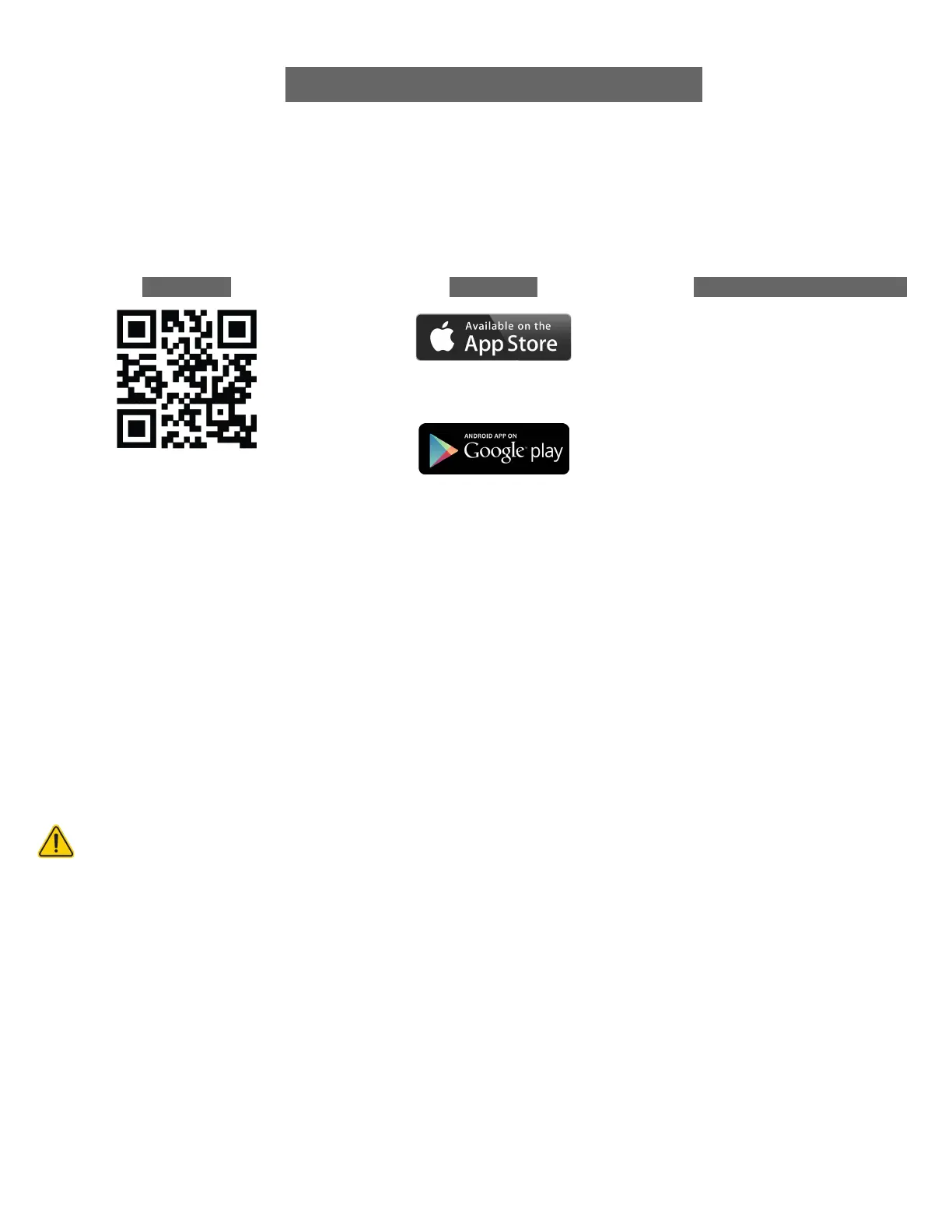
1. Find the iTouch Wearables App at one of the locations below, depending on your smartphone.
METHOD 2
iPhone (iOS) users can find our free app
via the Apple App store.
Android phone users can find our free
app via the Google Play Store.
Note: Do not use your phone’s Bluetooth menu to pair the watch. To properly connect your smartwatch, follow the pairing instructions within
the mobile application. If you have already connected your phone to the smartwatch, disconnect and “forget” the bluetooth connection prior
to setting up your watch through the application.
For more information, manuals, or technical support, visit the Help Center: support.itouchwearables.com
YOUR DEVICE WILL ONLY WORK WITH THE iTOUCH WEARABLES APP ACCESSED BY THE QR CODE ABOVE.
2. Download and install the app: The application will ask for permissions once installed and your
account has been set up (New Users). We highly encourage users to allow all notifications &
pairing access requests for complete functionality.
Android Users: You will be asked to allow the application to access information in your device’s native settings once your account
has been set up. Not enabling these settings may prevent the application from working correctly.
3. Once the app is installed, open it to create an account, following the on-screen prompts to help you
get set up. Once your account is set up, the application will help you connect to your smartwatch
(Again, we highly encourage the user to allow all notifications & pairing access to their smartphones.)
4. To connect & sync your app to your smartwatch, please follow the on-screen instructions while
setting up your account.


 To Next Page